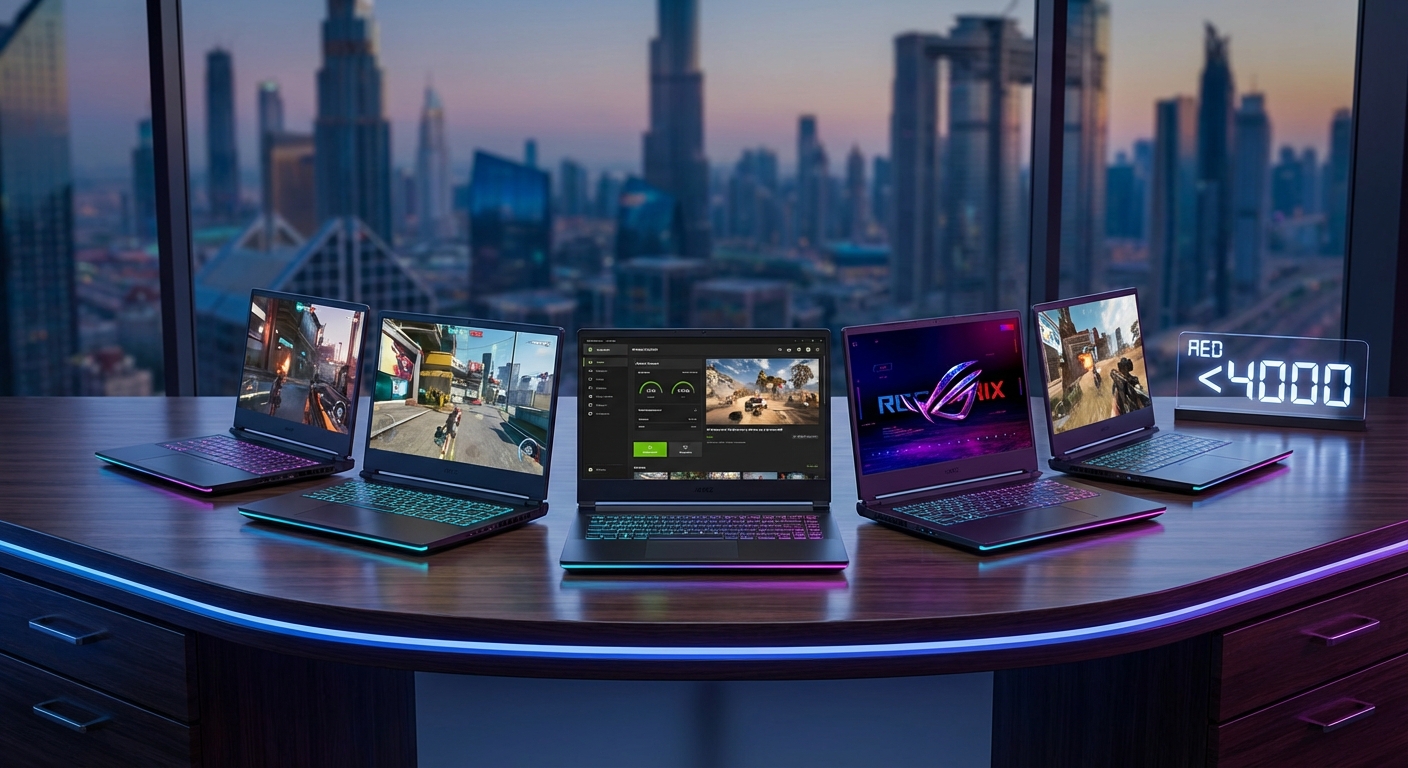
Finding a capable gaming laptop under 4000 AED in the UAE feels like searching for a unicorn. Most budget options promise the world but deliver lag, overheating, and disappointment. The good news? Several machines at this price point can actually handle modern games without making you want to throw your controller across the room. The trick is knowing which specs matter and which are just marketing fluff.
Gaming laptops under 4000 AED in the UAE can deliver solid performance if you prioritize GPU power, adequate cooling, and 16GB RAM. Focus on RTX 3050 or RTX 4050 graphics cards, avoid older Intel 11th gen processors, and test thermal performance before buying. Models from Acer Nitro, Lenovo LOQ, and HP Victus series consistently offer the best value in this price bracket.
What Actually Matters in Budget Gaming Laptops
Most people shopping for gaming laptops under 4000 AED make the same mistake. They focus on processor names and ignore the GPU.
Your graphics card determines gaming performance more than anything else. A laptop with an RTX 3050 and an older i5 will outperform one with an i7 and integrated graphics every single time.
Here’s what you need at minimum:
- NVIDIA RTX 3050 or AMD RX 6500M graphics
- 16GB RAM (8GB will bottleneck you within months)
- 512GB SSD storage
- 144Hz display for smooth gameplay
- Adequate cooling system
The display refresh rate matters more than you think. A 60Hz screen on a gaming laptop is like buying a sports car with bicycle tires. You’ll feel the difference in every competitive match.
Storage can be upgraded later. RAM usually cannot. Always choose more RAM over more storage when making trade offs.
How to Evaluate Gaming Performance Without Getting Scammed
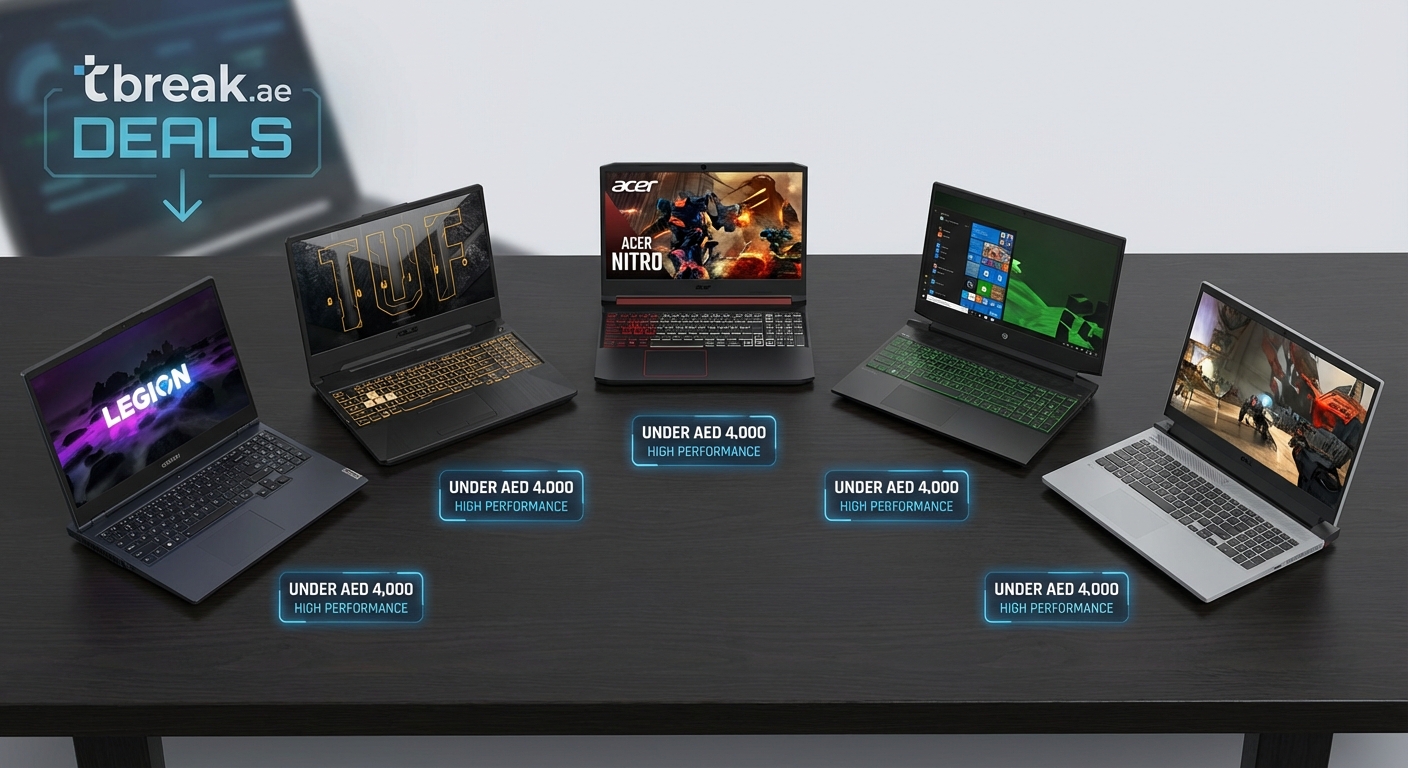
Retailers love throwing around impressive sounding numbers. Here’s how to cut through the noise.
1. Check the GPU generation and tier
An RTX 4050 beats an RTX 3050. But an RTX 3060 beats an RTX 4050. The number after RTX matters more than the generation number.
2. Look up actual game benchmarks
Search “[laptop model] + [game you play] + benchmark” on YouTube. Watch for frame rates at medium settings. If it can’t hit 60 FPS in games from 2022, walk away.
3. Read thermal reviews
Gaming laptops in the UAE face brutal conditions. A machine that runs hot in controlled tests will become a space heater in Dubai summers. Look for reviews mentioning thermal throttling.
4. Test the keyboard and trackpad in person
You’ll spend hours on these. If they feel cheap or unresponsive in the store, they’ll drive you crazy at home.
5. Verify the actual screen quality
Many budget laptops advertise IPS displays but use low quality panels. Check viewing angles and color accuracy in person. If the screen looks washed out at the store, it won’t improve at home.
“The biggest mistake I see is people buying based on CPU specs alone. A gaming laptop lives or dies by its GPU and cooling system. Everything else is secondary.” — Hardware testing lead at a major UAE tech retailer
Common Pitfalls When Shopping Under 4000 AED
The budget gaming laptop market is full of traps designed to catch uninformed buyers.
| Mistake | Why It Hurts | Better Alternative |
|---|---|---|
| Buying 8GB RAM | Games need 12GB+ now | Always get 16GB minimum |
| Choosing HDD storage | Load times kill the experience | Only buy SSD models |
| Ignoring warranty terms | Repairs cost more than savings | Check local service centers |
| Trusting display specs alone | “Full HD” doesn’t mean good color | Test screen quality in person |
| Skipping thermal reviews | Throttling ruins performance | Read reviews about heat management |
The 8GB RAM trap catches more people than anything else. Retailers push these models because they’re easier to stock. Six months later, you’re stuck with a machine that can’t run new releases.
Hard drives still appear in some budget models. Avoid them completely. The performance difference between HDD and SSD is night and day. You’ll spend more time waiting for games to load than actually playing them.
Warranty coverage varies wildly between brands in the UAE. Some manufacturers have service centers in every emirate. Others require shipping to a single location. Factor this into your decision.
The Best GPU Options at This Price Point
Graphics cards determine everything in gaming laptops. Here’s what’s actually available under 4000 AED.
NVIDIA RTX 3050
The most common option in this bracket. Handles 1080p gaming at medium to high settings in most titles. Expect 60+ FPS in popular games like Valorant, Apex Legends, and Fortnite.
Struggles with ray tracing enabled. Turn it off for better frame rates.
NVIDIA RTX 4050
Newer architecture with better efficiency. About 15-20% faster than RTX 3050 in real world testing. Worth the extra cost if you can find it under 4000 AED.
Better for content creation if you stream or edit videos.
AMD RX 6500M
Rare in UAE market but competitive with RTX 3050. Slightly better in some games, slightly worse in others. The main advantage is lower power consumption, which means better battery life.
Driver support can be inconsistent with some games.
Processor Requirements That Actually Matter
CPU specifications confuse everyone. Here’s the simple version.
You need at least an Intel 12th gen i5 or AMD Ryzen 5 5600H. Anything older will bottleneck modern GPUs.
Intel 13th gen processors offer better performance but usually push laptops above 4000 AED. AMD Ryzen 7000 series is similar.
The number of cores matters less than you think for gaming. Six cores is plenty. Eight cores is nice for streaming. Anything beyond that is overkill at this price point.
Clock speed matters more than core count for gaming. A 4.5GHz quad core beats a 3.0GHz eight core in most games.
Avoid Intel 11th gen processors completely. The performance gap to 12th gen is massive. You’ll regret saving 200 AED on an older chip.
Display Features Worth Paying For
Screen quality separates good gaming laptops from frustrating ones.
Refresh rate
144Hz is the sweet spot. 60Hz feels sluggish once you’ve experienced higher refresh rates. 165Hz or 240Hz is nice but not essential at this budget.
The difference between 60Hz and 144Hz is immediately noticeable. The jump from 144Hz to 240Hz is subtle.
Panel type
IPS displays offer better colors and viewing angles than TN panels. Every laptop under 4000 AED should have IPS. If it doesn’t, the manufacturer cut corners elsewhere too.
Resolution
1920×1080 is standard and appropriate. Higher resolutions tank performance on budget GPUs. Stick with 1080p.
Color accuracy
Most budget gaming laptops cover 60-70% of sRGB color space. That’s acceptable for gaming. If you plan to do photo or video work, look for 90%+ sRGB coverage.
Screen size
15.6 inches is the standard. 17 inch models are rare under 4000 AED and usually sacrifice other specs to hit the price point.
Cooling Systems That Keep Performance Stable
Thermal management makes or breaks budget gaming laptops, especially in UAE heat.
Look for these cooling features:
- Dual fan systems minimum
- Multiple heat pipes (three or more)
- Rear and side exhaust vents
- Elevated rear design for airflow
- Easy access panels for cleaning
Single fan systems can’t handle sustained gaming loads. The laptop will throttle performance to prevent overheating. Your frame rates will drop after 30 minutes of play.
Heat pipes transfer heat from components to fans. More pipes mean better heat distribution. Budget laptops with only one or two pipes will run hot.
Vent placement matters. Bottom vents get blocked when gaming on soft surfaces. Rear and side vents work better.
The UAE climate adds an extra challenge. Room temperatures above 25°C reduce cooling efficiency. A laptop that runs fine in Europe might struggle here.
Consider a cooling pad if your room lacks air conditioning. They add 5-10°C of cooling capacity for about 100 AED.
RAM and Storage Configurations to Target
Memory and storage directly impact your gaming experience and future proofing.
RAM requirements
16GB is mandatory. 8GB worked two years ago. It doesn’t now.
DDR5 is faster than DDR4 but the real world difference in gaming is small. Don’t pay a premium for DDR5 at this budget.
Check if RAM is upgradeable. Some laptops solder memory to the motherboard. Others have accessible slots. Upgradeable RAM extends the laptop’s useful life.
Storage setup
512GB SSD is the minimum. Modern games take 50-150GB each. You’ll fill 256GB instantly.
NVMe SSDs are faster than SATA SSDs. Most laptops under 4000 AED use NVMe. Verify this before buying.
Look for models with an empty M.2 slot for storage expansion. Adding a second SSD later costs less than buying more storage upfront.
Avoid any laptop with HDD as primary storage. The performance penalty is too severe.
Battery Life Expectations for Gaming Laptops
Gaming laptops aren’t known for battery longevity. Set realistic expectations.
You’ll get 2-3 hours of actual gaming on battery power. Maybe 5-6 hours for light tasks like browsing or document work.
Battery life matters less than you think for gaming laptops. You’ll plug in for serious gaming sessions anyway. The GPU draws too much power for extended unplugged play.
Newer GPUs like RTX 4050 offer better battery efficiency than RTX 3050. If you need portability, this matters.
Look for laptops with USB-C charging support. The standard power brick weighs a ton. USB-C chargers are lighter for travel.
Battery degradation happens faster in hot climates. Expect noticeable capacity loss after 18-24 months in UAE conditions.
Where to Buy Gaming Laptops in the UAE
Purchase location affects warranty, support, and actual price.
Authorized retailers
Sharaf DG, Jumbo Electronics, and Emax offer official warranties and local support. Prices run slightly higher but you get peace of mind.
Online marketplaces
Amazon.ae and Noon have competitive prices. Check seller ratings carefully. Some listings are gray market imports with no local warranty.
Brand stores
ASUS, Acer, and Lenovo have official stores in major malls. You’ll pay retail prices but get guaranteed authentic products and full warranty coverage.
Computer markets
Al Ain Computer Plaza and similar markets offer lower prices. Warranty terms vary by shop. Inspect the laptop thoroughly before buying.
Timing matters. Dubai Shopping Festival and back to school sales in August offer the best discounts. You can save 300-500 AED waiting for the right sale.
Always verify warranty terms before buying. Some retailers only offer shop warranty, not manufacturer warranty. This matters for expensive repairs.
If you’re willing to stretch your budget slightly, check out best gaming laptops under 5000 AED for additional options with better specs.
Testing Your New Laptop Before the Return Window Closes
Most retailers give 7-14 days for returns. Use this time to verify everything works.
Day 1: Initial inspection
Check for physical damage, dead pixels, and loose components. Run the display at full brightness against a white background. Dead pixels are easier to spot this way.
Test all ports with your peripherals. USB, HDMI, and audio jacks should work without wiggling cables.
Day 2-3: Thermal testing
Download MSI Afterburner or HWMonitor. Run a demanding game for 2 hours straight. Monitor CPU and GPU temperatures.
If temperatures exceed 95°C consistently, the cooling system is inadequate. Return it.
Day 4-5: Performance benchmarking
Run 3DMark or Cinebench. Compare your scores to online reviews of the same model. Scores should match within 5-10%.
Lower scores indicate thermal throttling or defective components.
Day 6-7: Real world gaming
Install and play the games you actually want to play. Test for stuttering, crashes, and frame rate drops.
Check if the laptop maintains performance after 30+ minutes of gaming. Some models start strong but throttle under sustained load.
Maintenance Tips for UAE Climate Conditions
Gaming laptops need extra care in Middle Eastern heat and dust.
Clean air vents monthly. Dust accumulation is faster here than in cooler climates. Compressed air cans work well. Hold fans still while cleaning to prevent damage.
Use your laptop on hard surfaces. Soft surfaces block vents and trap heat. A simple laptop stand improves airflow significantly.
Keep room temperature below 28°C when gaming. Higher ambient temperatures reduce cooling efficiency and shorten component life.
Consider undervolting your CPU. This reduces heat output without sacrificing much performance. Guides are available online for most laptop models.
Repaste thermal compound every 12-18 months. Factory thermal paste degrades faster in hot climates. Fresh paste can drop temperatures 5-10°C.
Store the laptop in air conditioned spaces when possible. Leaving it in a hot car or unventilated room accelerates battery degradation and component wear.
Software Optimization for Better Gaming Performance
Hardware is only half the equation. Software tweaks can boost frame rates 10-20%.
Disable startup programs
Press Ctrl+Shift+Esc to open Task Manager. Go to Startup tab. Disable everything except antivirus and essential drivers.
Update graphics drivers
NVIDIA and AMD release driver updates monthly. New drivers often improve performance in recent games. Download directly from manufacturer websites.
Adjust Windows power settings
Switch to High Performance mode. Windows defaults to Balanced, which throttles performance to save battery.
Close background applications
Discord, Chrome, and other apps eat RAM and CPU cycles. Close everything except your game.
Lower in-game settings strategically
Shadows and ambient occlusion tank frame rates. Medium shadows look nearly identical to Ultra but run 20% faster. Anti-aliasing above 2x shows minimal visual improvement.
Enable GPU scheduling
Windows 10/11 has hardware accelerated GPU scheduling. Enable it in Graphics Settings. This can add 5-10 FPS in some games.
Monitor temperatures during gaming
If temps exceed 85°C, lower graphics settings. High temperatures cause thermal throttling, which reduces performance more than lower settings would.
Understanding the Trade-Offs at This Price Point
No laptop under 4000 AED is perfect. Know what compromises you’re making.
Build quality won’t match premium laptops. Plastic chassis flex under pressure. Hinges feel less robust. This is acceptable if you treat the laptop carefully.
Battery life is mediocre. You’re buying a gaming machine, not an ultrabook. Plan to stay near outlets.
Display color accuracy is adequate but not great. Professional photo or video work requires better screens. Gaming and general use are fine.
Keyboard feel is serviceable but not exceptional. Mechanical keyboard enthusiasts will notice the difference. Most people won’t care.
Trackpad quality varies. Some budget gaming laptops have terrible trackpads. Plan to use a mouse for gaming anyway.
Webcam quality is usually poor. 720p webcams are standard. They work for video calls but don’t expect crisp image quality.
Speakers are weak. Gaming laptops prioritize other components over audio. Budget for headphones or external speakers.
These trade-offs are acceptable because the core gaming performance is solid. You’re not paying for premium materials or extra features. You’re paying for a GPU that can handle modern games.
Future-Proofing Your Purchase
Gaming requirements increase every year. Plan for the next 2-3 years, not just today.
16GB RAM is mandatory because 8GB is already obsolete. Games released in 2024 recommend 16GB. By 2026, they’ll require it.
512GB storage is minimum because game sizes keep growing. Call of Duty alone takes 150GB. You need room for multiple titles.
RTX 4050 offers better longevity than RTX 3050. The newer architecture handles upcoming games better. If your budget allows, choose RTX 4050.
Upgradeable components extend useful life. Check if RAM and storage can be expanded. This matters more at the budget end where initial specs are tighter.
Warranty length matters for longevity. A 2-year warranty beats 1-year. Component failures often happen in year two.
Don’t expect miracles. A 4000 AED laptop won’t run games at Ultra settings in 2027. Plan for Medium settings in 2-3 years. That’s realistic.
The gaming market in the Middle East is growing rapidly, which means better local support and more competitive pricing over time.
Alternative Options If You Can Wait
Sometimes the best purchase is the one you delay.
Refurbished laptops
Last year’s 5000 AED models appear refurbished for 3500-4000 AED. You get better specs for the same money. Refurbished tech is becoming more popular in the UAE for good reason.
Sales and promotions
Major sales events offer 15-25% discounts. A 4500 AED laptop drops to 3600 AED during Dubai Shopping Festival. Timing your purchase can save hundreds.
Previous generation models
RTX 3060 laptops from 2022 sometimes hit 4000 AED on clearance. They outperform newer RTX 3050 models despite being older.
Desktop alternative
4000 AED builds a significantly more powerful desktop. You lose portability but gain performance. Consider this if you don’t need mobility.
The decision depends on your timeline and flexibility. If you need a laptop now, current options work fine. If you can wait 2-3 months for a sale, you’ll get more for your money.
Making Your Final Decision
You’ve done the research. Now it’s time to commit.
Write down your top three games. Look up benchmarks for each laptop model running those specific titles. Choose the model with the best performance in your actual games.
Visit stores to test keyboards and displays. Specs on paper don’t tell you if the keyboard feels mushy or the screen looks washed out.
Check local service center locations for your chosen brand. You’ll appreciate this if something breaks.
Read recent reviews from UAE buyers specifically. Thermal performance varies by region. A laptop that runs cool in Europe might overheat here.
Don’t overthink the decision. Any laptop meeting the minimum specs (RTX 3050, 16GB RAM, 512GB SSD, 144Hz display) will serve you well for 2-3 years.
Set a firm budget and stick to it. The temptation to stretch 200 AED more for slightly better specs never ends. Draw the line somewhere.
Your Gaming Setup Starts Here
Gaming laptops under 4000 AED offer legitimate performance if you know what to look for. The market has improved dramatically in the past two years. Budget options that were impossible in 2022 are now readily available in UAE retailers.
Focus on GPU power first, adequate RAM second, and everything else third. Test thermal performance thoroughly during the return window. Clean your laptop regularly in this dusty climate.
The perfect gaming laptop doesn’t exist at this price point. The right gaming laptop for your needs and budget absolutely does. Make your choice based on the games you actually play, not theoretical benchmarks.
Start your search with clear priorities. Ignore marketing hype. Test in person when possible. Your next gaming session is waiting.
Leave a Reply