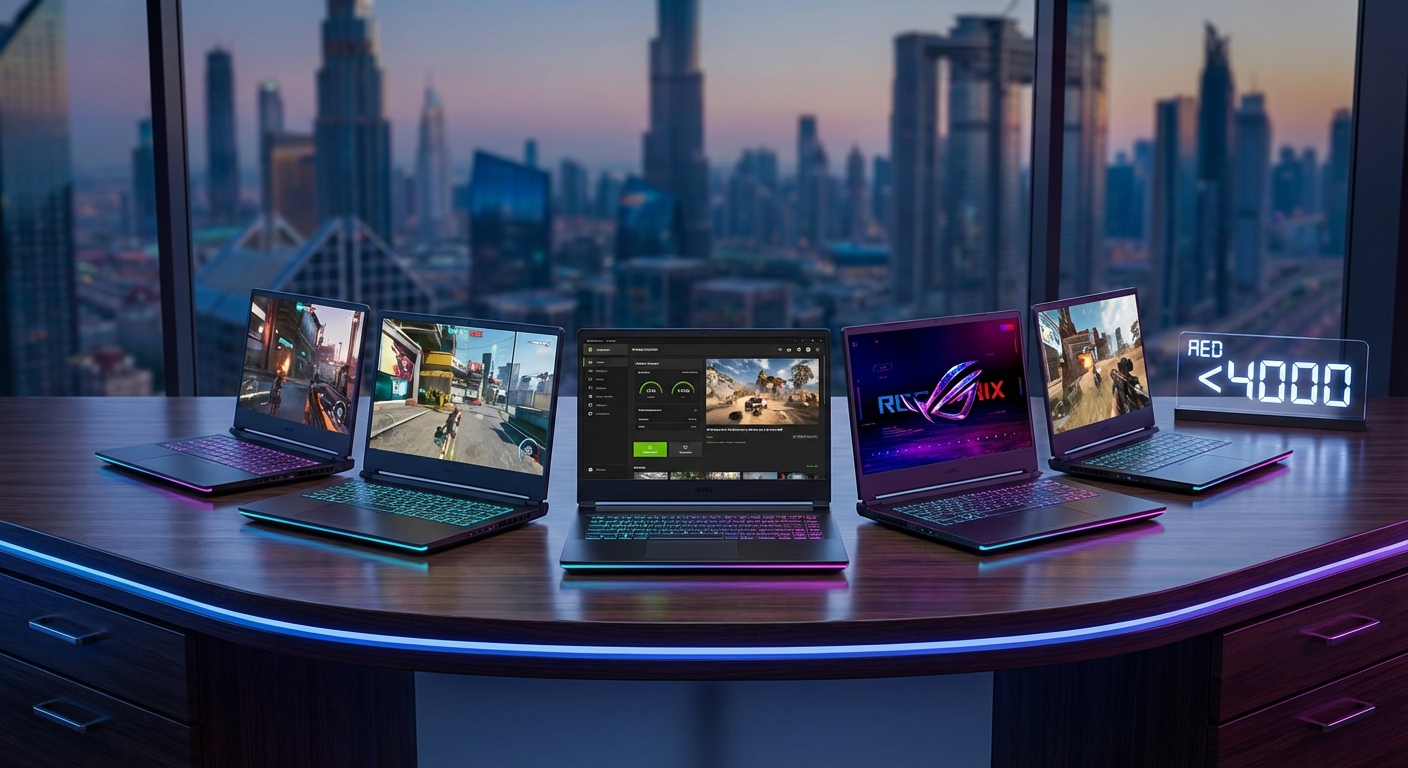
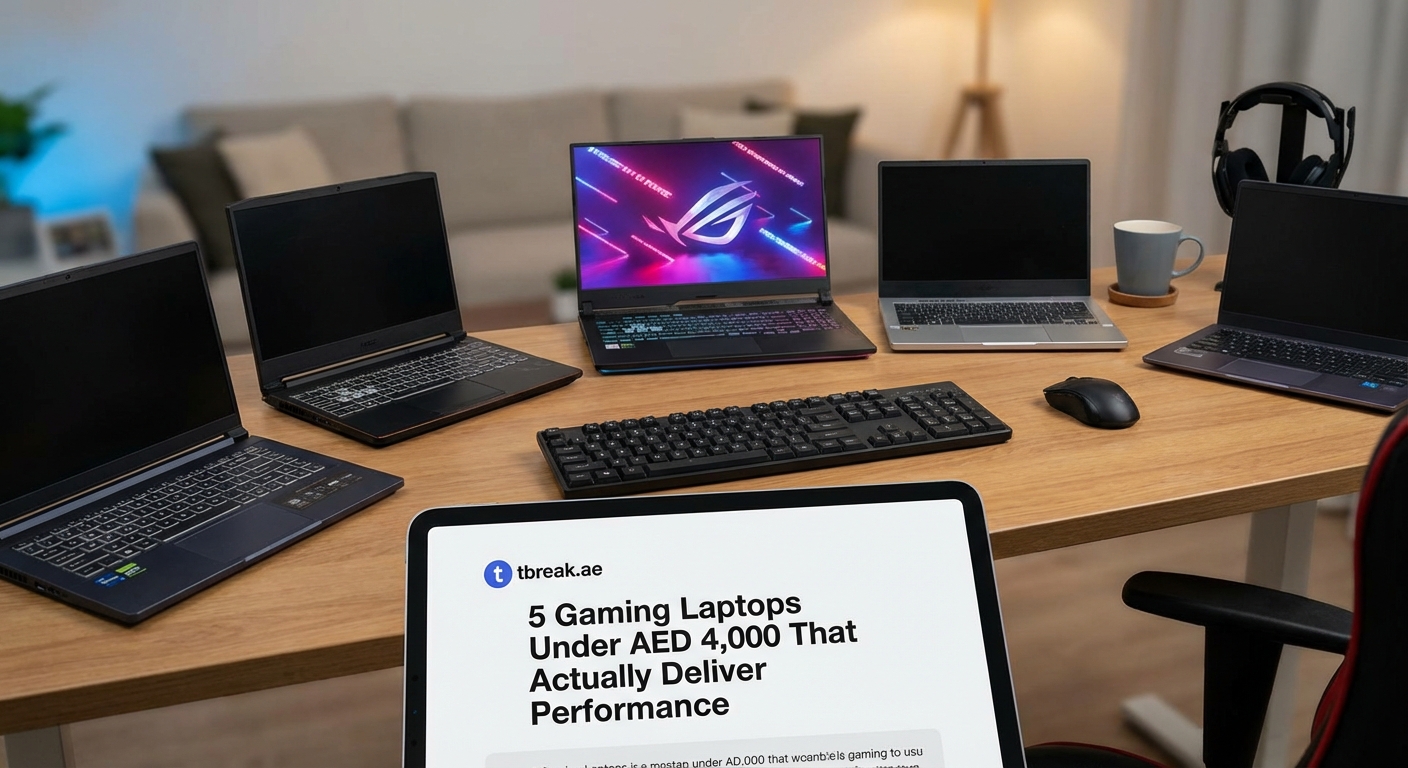
5 Gaming Laptops Under AED 4,000 That Actually Deliver Performance
Finding a capable gaming laptop in the UAE without breaking the bank feels like hunting for treasure in a sandstorm. You want smooth frame rates, decent graphics, and a machine that won’t overheat during extended sessions. The good news? Gaming laptops under 4000 AED have improved dramatically over the past two years, and several models now deliver genuine gaming performance at this price point.
Gaming laptops under 4000 AED now feature dedicated GPUs like the GTX 1650 or RTX 3050, processors ranging from Intel Core i5 to AMD Ryzen 5, and 8GB to 16GB RAM. Expect 1080p gaming at medium to high settings for most titles. Key considerations include cooling systems, display [refresh rate](https://en.wikipedia.org/wiki/Refresh_rate)s (aim for 120Hz minimum), and upgrade potential for RAM and storage. Regional pricing varies, so timing purchases around sales events can save 15 to 20 percent.
What to expect from gaming laptops at this price point
Budget gaming laptops sit in a sweet spot between basic productivity machines and premium gaming rigs. At 4000 AED, you’re looking at entry-level dedicated graphics cards, mid-range processors, and enough RAM to handle modern games at respectable settings.
The reality check matters here. You won’t max out Cyberpunk 2077 at 4K. But you’ll run popular titles like Valorant, Fortnite, Apex Legends, and even demanding games like Elden Ring at playable frame rates with adjusted settings.
Most laptops in this range feature 15.6-inch displays. Some offer 120Hz or 144Hz refresh rates, which makes a noticeable difference in competitive gaming. Others stick with 60Hz panels but compensate with better color accuracy or brightness.
Storage typically starts at 512GB NVMe SSD. That’s enough for your operating system, a few large games, and essential software. Many models include an extra M.2 slot or 2.5-inch bay for future expansion.
Performance specifications that matter for gaming
Not all specs carry equal weight when you’re gaming on a budget. Here’s what actually impacts your experience:
Graphics card: This matters most. Look for GTX 1650, GTX 1650 Ti, or RTX 3050. The RTX 3050 offers ray tracing capabilities and DLSS support, which can extend the laptop’s gaming relevance by a year or two. The GTX cards are older but still handle most games at 1080p medium settings.
Processor: Intel Core i5 11th gen or newer, or AMD Ryzen 5 5000 series or newer. Both handle gaming workloads well. AMD chips often run cooler and offer better multi-core performance, while Intel chips sometimes edge ahead in single-core tasks.
RAM: 8GB is the minimum. 16GB is ideal. Most budget laptops ship with 8GB but allow upgrades. Check if the RAM is soldered or uses SO-DIMM slots. Upgradeable RAM extends your laptop’s useful life.
Display: Refresh rate matters more than resolution at this price point. A 1080p 120Hz panel beats a 1080p 60Hz panel for gaming. IPS panels offer better viewing angles than TN panels.
Cooling: This separates good budget laptops from frustrating ones. Look for dual-fan systems with multiple heat pipes. Poor cooling leads to thermal throttling, where your CPU and GPU slow down to prevent overheating.
How to evaluate gaming performance before buying
Testing a laptop in-store rarely reveals gaming performance. Here’s a systematic approach to research before purchasing:
- Search for the exact model name plus “gaming benchmark” on YouTube. Watch gameplay footage at your target settings.
- Check reviews from tech outlets that test with actual games, not just synthetic benchmarks.
- Join UAE-specific tech groups on Facebook or Reddit where users share real-world experience with local pricing and availability.
- Compare the laptop’s GPU against others using sites that aggregate gaming benchmarks across multiple titles.
- Read user reviews on retailer sites, filtering for comments about thermals, noise levels, and long-term reliability.
This process takes an hour but prevents expensive mistakes. A laptop that looks good on paper might have terrible cooling or a dim display that makes gaming unpleasant.
Common mistakes when shopping for budget gaming laptops
| Mistake | Why It Hurts | Better Approach |
|---|---|---|
| Focusing only on CPU specs | Gaming depends more on GPU power | Prioritize graphics card, then balance other components |
| Ignoring thermal reviews | Overheating causes performance drops and discomfort | Check multiple reviews mentioning fan noise and temperatures |
| Buying last year’s flagship over this year’s budget model | Old flagships often lack current GPU architecture benefits | Compare actual gaming benchmarks, not just original prices |
| Skipping warranty considerations | Budget laptops have higher failure rates | Buy from retailers with local service centers and clear warranty terms |
| Overlooking display quality | Poor screens cause eye strain during long sessions | Test in person or verify brightness (aim for 250 nits minimum) and color gamut |
The most costly mistake? Buying a laptop with integrated graphics thinking it’ll handle modern games. It won’t. Integrated graphics work for older titles or very light games, but you’ll regret it within weeks if you’re serious about gaming.
Regional pricing and where to find the best deals
UAE pricing fluctuates based on import costs, retailer margins, and ongoing promotions. The same laptop might vary by 300 to 500 AED between stores.
Major retailers include Sharaf DG, Jumbo Electronics, Emax, and online platforms like Amazon.ae and Noon. Each runs sales during Dubai Shopping Festival, Ramadan, and Black Friday. Prices can drop 15 to 25 percent during these events.
Gray market imports from Nahda or Al Ain Center sometimes offer lower prices but come with risks. Warranties might not be honored locally, and you could receive international models with different keyboard layouts or no Arabic support.
When buying a gaming laptop under 4000 AED, the warranty and local support matter as much as the specs. A laptop you can’t service locally becomes a paperweight if something fails. Stick with authorized retailers unless you’re comfortable with the risks of gray market purchases.
Consider refurbished or open-box options from reputable sellers. Some retailers offer manufacturer-refurbished units with full warranties at 20 to 30 percent discounts. Just verify the warranty terms in writing before purchasing. If you’re curious about the broader refurbished tech market, why refurbished tech is gaining popularity in the Middle East and where to buy safely covers the topic thoroughly.
Popular models currently available in the UAE market
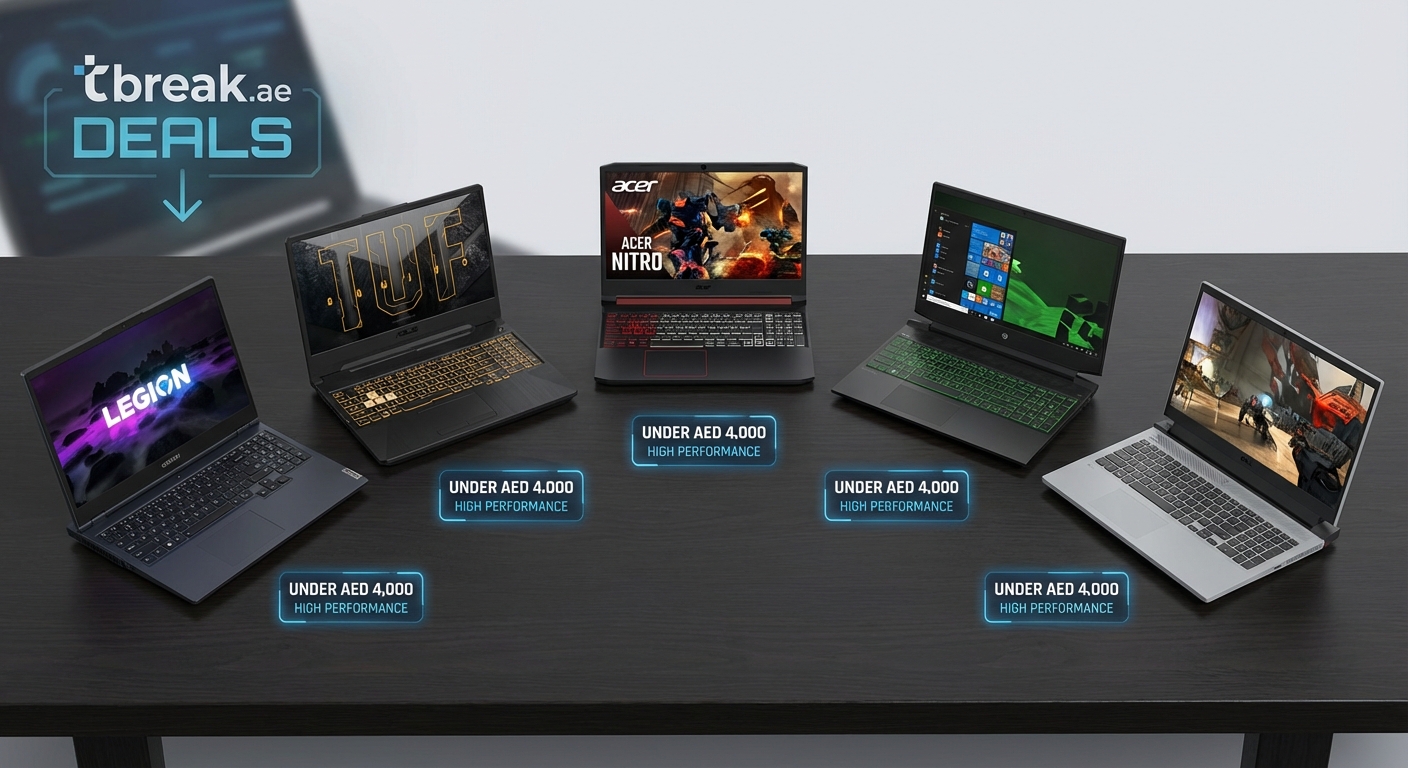
Several laptops consistently appear in the 3500 to 4000 AED range and deliver solid gaming performance.
Acer Nitro 5: The perennial budget gaming favorite. Usually features Ryzen 5 or Core i5 processors paired with GTX 1650 or RTX 3050 graphics. Cooling is adequate but loud under load. Build quality feels plasticky but holds up to regular use. The display often hits 144Hz, which helps in competitive games.
Lenovo IdeaPad Gaming 3: Similar specs to the Nitro 5 but with slightly better build quality. Lenovo’s cooling tends to run quieter. The keyboard feels more comfortable for extended typing sessions between gaming marathons.
HP Pavilion Gaming 15: Offers good value with decent thermals. The green backlit keyboard is polarizing (you either love it or hate it). Performance matches competitors, and HP’s local service network in the UAE is reliable.
ASUS TUF Gaming F15: Slightly above 4000 AED when not on sale, but worth watching for discounts. TUF laptops emphasize durability with military-grade testing. Cooling is robust, and the display quality typically exceeds competitors in this range.
MSI GF63 Thin: Prioritizes portability over raw performance. Thinner and lighter than competitors but runs hotter under sustained load. Good for students who need to carry their laptop to campus daily.
Availability shifts constantly. A model in stock today might disappear next week, replaced by a newer variant with minor spec changes. Check multiple retailers and compare current prices rather than relying on old reviews.
Optimizing your laptop for better gaming performance
Getting the most from a budget gaming laptop requires some tweaking after purchase.
Update drivers immediately: Manufacturers ship laptops with outdated drivers. Visit the GPU manufacturer’s site (NVIDIA or AMD) and download the latest graphics drivers. This often improves performance by 5 to 10 percent in newer games.
Adjust power settings: Windows defaults to balanced power mode. Switch to high performance mode when gaming. This prevents the CPU from throttling during intensive scenes.
Manage background processes: Close unnecessary applications before gaming. Browser tabs, messaging apps, and cloud sync services consume RAM and CPU cycles. Task Manager shows what’s running and lets you disable startup programs.
Use a cooling pad: Budget laptops benefit from external cooling. A good cooling pad costs 50 to 100 AED and drops temperatures by 5 to 10 degrees Celsius. Lower temperatures mean less thermal throttling and better sustained performance.
Monitor temperatures: Install HWMonitor or MSI Afterburner to track CPU and GPU temperatures. If either consistently exceeds 85°C, your laptop needs better cooling or thermal paste replacement.
Optimize in-game settings: Start with medium settings and adjust from there. Reduce shadow quality and anti-aliasing first since these impact performance heavily. Texture quality can often stay high without major frame rate hits if you have enough VRAM.
What games can you actually play
Performance varies by title, but here’s what to expect from a typical gaming laptop under 4000 AED with GTX 1650 or RTX 3050 graphics:
Competitive multiplayer games (Valorant, CS:GO, League of Legends, Rocket League): 100+ FPS at high settings. These games are optimized for lower-end hardware, and you’ll have a smooth experience.
Battle royale games (Fortnite, Apex Legends, PUBG): 60 to 90 FPS at medium to high settings. Competitive players might lower settings further to maximize frame rates.
AAA single-player games (God of War, Elden Ring, Cyberpunk 2077): 30 to 60 FPS at medium settings. Older AAA titles from 2018 to 2020 run better than recent releases. You’ll need to compromise on visual quality for smooth gameplay.
Esports titles (Dota 2, Overwatch 2): 80+ FPS at high settings. These games prioritize performance over cutting-edge graphics.
Indie and smaller games: Most run excellently. Titles like Hades, Stardew Valley, Terraria, and similar games have no issues at maximum settings.
The gaming landscape in the region is growing rapidly, and understanding what drives this growth helps contextualize where budget gaming fits. Check out why the Middle East gaming market is outpacing global growth in 2024 for the bigger picture.
Upgrade paths and future-proofing
Budget laptops have limited upgrade potential, but small improvements extend their useful life.
- RAM upgrade: If your laptop has 8GB, upgrading to 16GB costs 150 to 250 AED and provides immediate benefits. Games increasingly recommend 16GB as a minimum.
- Storage expansion: Adding a second SSD or larger capacity drive costs 200 to 500 AED depending on size. This matters more than you’d think since modern games often exceed 100GB each.
- Thermal paste replacement: After a year or two, replacing thermal paste improves cooling. This requires technical skill or costs 100 to 150 AED at a service center.
- External GPU: Technically possible with Thunderbolt 3 or 4 laptops, but the enclosure and GPU cost more than the laptop itself. Not practical for budget machines.
The GPU and CPU cannot be upgraded in laptops. Your graphics card determines how long the laptop remains viable for gaming. An RTX 3050 will handle games longer than a GTX 1650, making it worth the extra 300 to 400 AED if you can stretch your budget.
If you’re considering whether to push your budget slightly higher, best gaming laptops under 5000 AED available in UAE and Saudi Arabia explores what that extra 1000 AED buys you in terms of performance and features.
Battery life and portability considerations
Gaming laptops prioritize performance over battery life. Expect 3 to 5 hours of light use (web browsing, video streaming) and 1 to 2 hours of gaming on battery.
This matters if you’re a student planning to take notes in class or work in cafes between gaming sessions. The laptop needs to stay plugged in for gaming, but it should handle basic tasks unplugged.
Weight ranges from 2.2 to 2.5 kilograms for most 15.6-inch gaming laptops. That’s manageable in a backpack but noticeably heavier than ultrabooks. Factor this in if you’re commuting daily.
Chargers add another 0.5 to 0.7 kilograms. Some budget gaming laptops use large 150W or 180W power bricks that barely fit in laptop bags. Check charger size if portability matters.
Display quality and its impact on gaming experience
The display is where budget cuts often hurt most. Common issues include:
- Low brightness: Some budget panels struggle to reach 250 nits. This makes gaming in bright rooms or outdoors difficult.
- Poor color accuracy: Washed-out colors affect immersion, especially in visually stunning games.
- Narrow viewing angles: TN panels shift colors when viewed from the side. IPS panels maintain consistent colors but cost more.
- Screen bleeding: Light leakage around panel edges is common in budget laptops. It’s noticeable in dark scenes.
A 120Hz or 144Hz refresh rate compensates for some display shortcomings. The smoothness of higher refresh rates improves gameplay feel significantly, especially in fast-paced games.
Matte displays reduce glare better than glossy screens. This matters in the UAE where bright lighting is common indoors and outdoors.
Keyboard and input quality for gaming
Membrane keyboards dominate budget gaming laptops. They’re adequate but lack the tactile feedback of mechanical keyboards.
Key travel (how far keys press down) should be at least 1.5mm. Shallower keyboards feel mushy and cause finger fatigue during long sessions.
Backlighting helps when gaming in dim environments. RGB lighting is rare under 4000 AED. Most budget laptops offer single-color backlighting, usually red or white.
The layout matters more than you’d think. Check that the arrow keys aren’t cramped and that frequently used keys (WASD, spacebar, shift) feel solid. Some budget laptops have flex in the keyboard deck, where the center of the keyboard depresses when typing hard.
Trackpads are secondary for gaming since you’ll use a mouse. But they matter for general use. Look for trackpads with Windows Precision drivers for better gesture support and accuracy.
Audio quality and the case for external speakers
Budget laptop speakers range from barely functional to surprisingly decent. Most produce tinny sound that lacks bass and distorts at high volume.
For casual gaming, they’re tolerable. For immersive single-player games, you’ll want headphones or external speakers.
Many gamers in the UAE use headphones anyway for voice chat and to avoid disturbing family members. If you’re in that camp, speaker quality matters less.
Audio jacks sometimes introduce hissing or static on budget laptops. This is a quality control issue that varies by unit. Test the audio jack with your headphones before the return window closes.
Network connectivity for online gaming
WiFi 5 (802.11ac) is standard on budget gaming laptops. WiFi 6 (802.11ax) appears on some newer models and offers better performance in congested networks.
Ethernet ports are crucial for serious online gaming. Wired connections reduce latency and eliminate WiFi interference issues. Most gaming laptops include gigabit Ethernet, though some thin models sacrifice it for portability.
Lag and ping issues plague online gamers across the region. While your laptop’s network card plays a role, your ISP and game server location matter more. For comprehensive troubleshooting, how to reduce gaming lag and ping issues across Middle Eastern servers covers optimization techniques.
Build quality and durability expectations
Budget gaming laptops use plastic chassis to cut costs. This isn’t inherently bad, but it means more flex and less premium feel.
Hinges are a common failure point. Opening and closing the lid hundreds of times stresses the hinges. Look for models with metal hinges rather than plastic.
Port placement matters for cable management. Ports on the back or sides keep cables out of your way while gaming. Ports on the front can interfere with mouse movement.
Ventilation grills should be easily accessible for cleaning. Dust buildup reduces cooling efficiency over time. Some laptops make it easy to open the bottom panel for maintenance, while others require removing the entire keyboard assembly.
Making the final decision
You’ve researched specs, compared prices, and watched benchmark videos. Now it’s time to commit.
Prioritize your use case. If you play competitive multiplayer games primarily, favor higher refresh rate displays and better cooling over maximum graphics settings. If you prefer single-player story-driven games, a good display with accurate colors enhances the experience more than extra frame rates.
Consider the total cost of ownership. A laptop 200 AED cheaper but with poor build quality might cost more in repairs or need replacement sooner.
Buy from retailers with good return policies. Some stores offer 7 to 14 day returns, giving you time to test the laptop thoroughly. Others have restocking fees or no returns on opened electronics.
Keep your expectations realistic. Gaming laptops under 4000 AED deliver genuine gaming performance but with compromises. You’re getting 80 percent of the experience at 50 percent of the cost compared to mid-range gaming laptops.
Getting the most value from your purchase
Gaming on a budget doesn’t mean settling for a subpar experience. It means being strategic about where you spend your money and realistic about performance expectations.
The gaming laptops available in the UAE market at this price point have improved dramatically. You’re getting hardware that would have cost twice as much three years ago. Dedicated graphics cards, fast refresh rate displays, and capable processors are now accessible to students and young professionals without requiring months of savings.
Start your search during sale periods. Monitor prices across multiple retailers. Join local tech communities where members share deals and firsthand experiences. Test the laptop thoroughly within the return window, checking thermals, display quality, and gaming performance with your actual games.
Your first gaming laptop doesn’t need to be perfect. It needs to be good enough to enjoy your favorite games while fitting your budget. The laptops in this price range accomplish exactly that, offering a genuine entry point into PC gaming without the financial stress of premium models.

Post Comment