How to Reduce Gaming Lag and Ping Issues Across Middle Eastern Servers
Playing Valorant in Dubai and getting killed before you even see the enemy peek? You’re not alone. Thousands of gamers across the Middle East deal with frustrating latency spikes that turn competitive matches into slideshow nightmares. The good news is that high ping isn’t always about your internet speed. Most of the time, it’s about how your connection travels from your device to the game server.
High ping on Middle Eastern game servers often stems from poor routing, network congestion, and outdated hardware rather than slow internet speeds. You can reduce ping middle east servers by optimizing your router settings, using wired connections, selecting the right DNS servers, managing background applications, and coordinating with your ISP to improve routing paths. Most improvements require no additional cost and deliver noticeable results within hours.
Why Middle Eastern servers still struggle with latency
Game publishers have added Bahrain and UAE servers for popular titles, but that doesn’t guarantee low ping. The problem lies in how data packets travel between your home and those servers.
Your connection might bounce through three different countries before reaching a server 200 kilometers away. Internet service providers in the region often route traffic through Europe or Asia instead of using direct regional paths. This adds 50 to 100 milliseconds of unnecessary delay.
Infrastructure quality varies wildly between cities. Gamers in downtown Dubai typically see better performance than players in smaller Emirates or remote Saudi cities. Fiber connections exist in major metros, but many residential areas still rely on older copper lines that introduce packet loss.
Server capacity also plays a role. Middle Eastern servers get hammered during evening hours when everyone finishes work or school. A server that gives you 15ms at noon might spike to 80ms at 9 PM.
Testing your current network performance
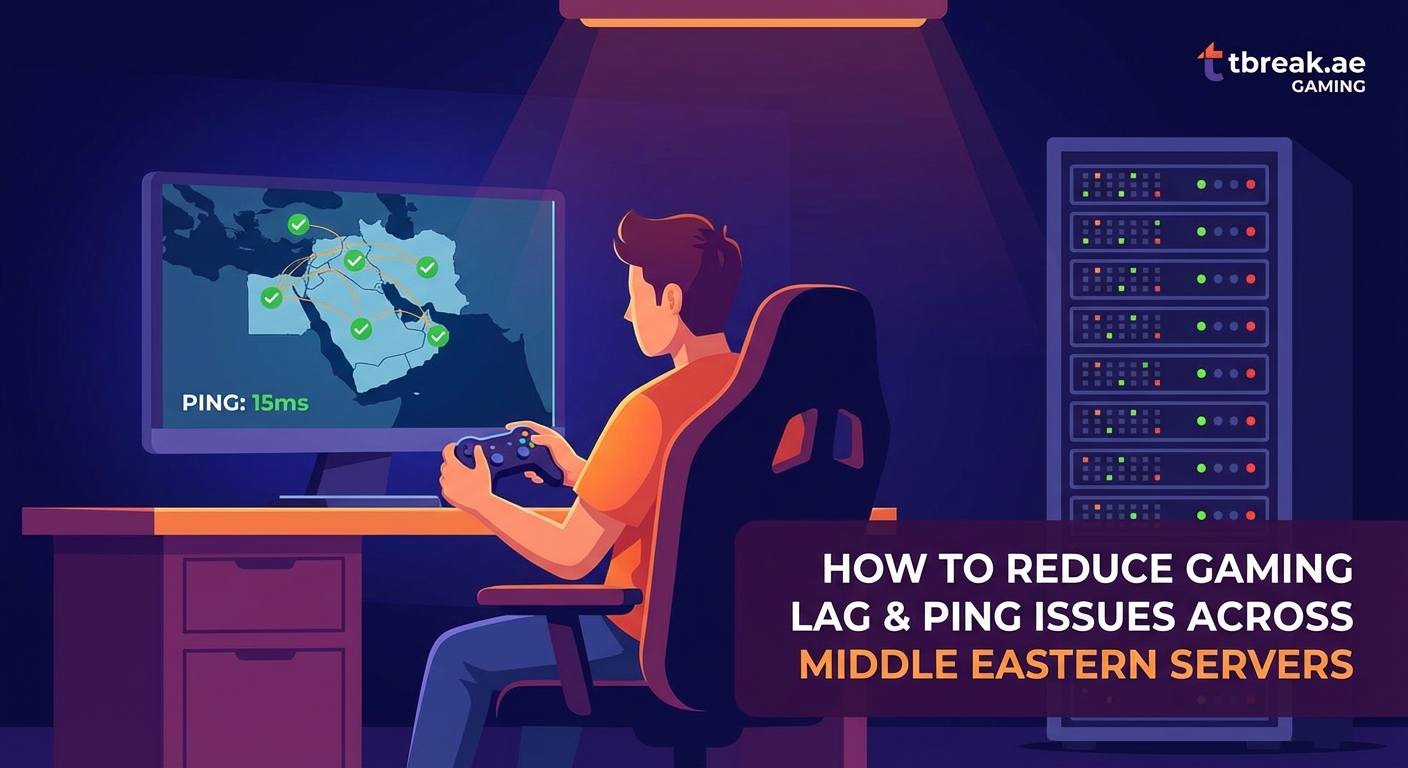
You need baseline measurements before making changes. Run these tests during your normal gaming hours.
Use the in-game ping display for Valorant, Fortnite, or whatever title you play most. Note the number and watch for spikes. Stable 60ms beats inconsistent 40ms that jumps to 200ms randomly.
Run a traceroute to your game server. Open Command Prompt on Windows or Terminal on Mac. Type tracert followed by the server IP address. You’ll see every hop your data takes. Look for jumps where latency suddenly increases by 30ms or more. Those hops are your problem areas.
Check packet loss with PingPlotter or similar tools. Even 1% packet loss causes noticeable stuttering. Anything above 3% makes competitive gaming nearly impossible.
Test at different times. Your connection might be perfect at 6 AM but terrible at 8 PM. Document the pattern so you know when congestion hits hardest.
Hardware fixes that actually work
Your router matters more than you think. That ISP-provided box sitting in your closet probably can’t handle modern gaming traffic.
Upgrade your router
Gaming routers with QoS (Quality of Service) features prioritize game packets over Netflix streams and software updates. TP-Link, Asus, and Netgear all make solid options available in UAE and Saudi markets.
Look for routers that support MU-MIMO and have gigabit Ethernet ports. The wireless AC or AX standard matters less than having a strong wired connection option.
Use ethernet cables
WiFi adds 10 to 30ms of latency compared to wired connections. It also introduces jitter, which makes your ping inconsistent. A simple Cat6 ethernet cable costs less than 50 AED and often cuts your ping by 20%.
Run the cable along walls or under carpets if needed. The improvement is worth the minor inconvenience.
Replace old network cards
If you’re on a desktop PC, your network card might be the bottleneck. Modern cards from Intel or Realtek handle packet processing more efficiently than five-year-old models.
Laptops can use USB 3.0 ethernet adapters for better performance than built-in WiFi. Make sure you’re getting a quality adapter, not the cheapest option on noon.com. If you’re shopping for new hardware, check out best gaming laptops under 5000 AED available in UAE and Saudi Arabia for systems with solid network components.
Software and settings optimization
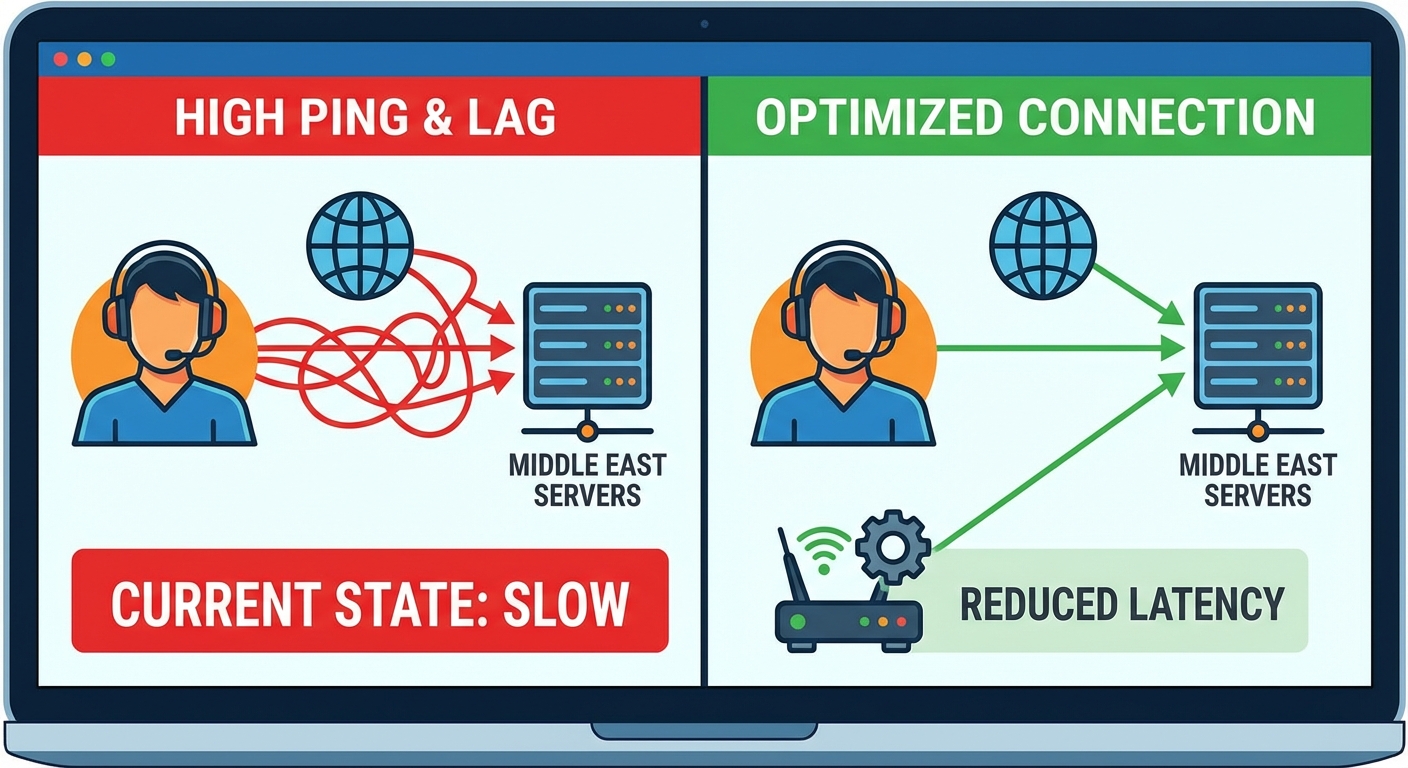
Windows and your router both need tuning for gaming performance.
Configure your router properly
- Log into your router admin panel (usually 192.168.1.1 or 192.168.0.1)
- Enable QoS and set gaming as the highest priority
- Assign your gaming device a static IP address
- Forward the ports your games require (check each game’s support site)
- Disable SIP ALG if the option exists (it interferes with UDP traffic)
- Set your WiFi channel to one with less interference using a WiFi analyzer app
Change your DNS servers
Your ISP’s DNS servers are often slow and poorly maintained. Switching to faster options reduces the time it takes to resolve server addresses.
Try these DNS combinations:
| DNS Provider | Primary | Secondary | Notes |
|---|---|---|---|
| Cloudflare | 1.1.1.1 | 1.0.0.1 | Fastest for most ME users |
| 8.8.8.8 | 8.8.4.4 | Reliable backup option | |
| Quad9 | 9.9.9.9 | 149.112.112.112 | Good for security |
Change DNS in your router settings, not on individual devices. This ensures every device benefits.
Disable background applications
Discord, Spotify, Chrome with 40 tabs, automatic Windows updates, and cloud backup services all steal bandwidth and processing power.
Close everything before you game. Use Task Manager to check what’s running in the background. Disable Windows Update during gaming hours through Group Policy Editor.
Steam and Epic Games launchers download updates automatically. Set them to only update between 2 AM and 6 AM when you’re not playing.
Working with your ISP
Your internet service provider controls the routing paths your data takes. Sometimes you need their help to fix ping issues.
Call technical support and specifically mention gaming latency problems. Ask if they can check your line quality and routing to Bahrain or UAE data centers. Many ISPs can manually adjust routing for customers who ask.
Request a technician visit if you see packet loss in your traceroute. Damaged cables or loose connections at the street level cause problems no amount of home optimization can fix.
Consider switching ISPs if yours consistently routes traffic poorly. Check with neighbors or local gaming communities to see which provider offers better performance in your area. Etisalat and du have different infrastructure, and one might work better for your location.
Some ISPs offer gaming packages with optimized routing. These cost more but can be worth it for serious competitive players.
Advanced techniques for dedicated players
These methods require more technical knowledge but deliver significant improvements.
Use a gaming VPN selectively
VPNs usually increase ping, but in the Middle East they sometimes help. If your ISP routes traffic through Europe, a VPN with servers in Bahrain or UAE might create a shorter path.
Test with and without the VPN during off-peak hours. Only use it if it actually reduces your ping. Services like ExitLag and WTFast specialize in gaming traffic and have Middle Eastern endpoints.
Never use free VPNs for gaming. They add massive latency and often inject ads or sell your data.
Optimize Windows network stack
Windows TCP settings aren’t optimized for gaming by default. You can adjust them with TCP Optimizer or similar tools.
Disable Nagle’s algorithm, which batches small packets together. Games need instant packet transmission. Run these commands in Command Prompt as administrator:
netsh interface tcp set global autotuninglevel=disabled
netsh interface tcp set global chimney=disabled
netsh interface tcp set global netdma=disabled
Monitor and limit other household usage
If family members stream 4K video while you’re trying to rank up, your ping will suffer. Set up QoS rules that give your gaming device priority during specific hours.
Some routers let you create schedules that automatically throttle other devices between 7 PM and 11 PM. This prevents arguments about who gets bandwidth.
Common mistakes that make ping worse
Players often try fixes that backfire. Avoid these errors:
- Installing random “gaming boosters”: These programs are usually malware or useless registry cleaners
- Maxing out your bandwidth: Running speed tests constantly or downloading while gaming destroys your latency
- Connecting through multiple VPN hops: Each additional server adds latency
- Using WiFi extenders: These add another wireless hop and increase ping
- Ignoring driver updates: Old network drivers have bugs that cause packet loss
“The biggest mistake I see is players blaming their ISP when the problem is actually their home network setup. A 20 AED ethernet cable solves more ping problems than switching to a more expensive internet plan.” – Network engineer at a major UAE gaming cafe
Regional considerations for Middle Eastern gamers
Different countries in the region face unique challenges.
UAE players generally have the best infrastructure, especially in Dubai and Abu Dhabi. Fiber is widely available, and you’re physically close to most regional servers.
Saudi gamers in Riyadh and Jeddah get decent performance, but smaller cities struggle. The kingdom is geographically large, so distance from server locations matters.
Kuwait, Bahrain, and Qatar players often see excellent ping to Bahrain servers but poor routing to European servers. This matters for games without dedicated ME servers.
Egypt faces the worst infrastructure challenges. Many players route through European servers despite being in the region. Using a VPN to UAE or Bahrain servers sometimes helps.
Test which server region gives you the best performance. Some games let you manually select between Bahrain, UAE, and European servers. Don’t assume the closest one is fastest.
Monitoring your improvements
After making changes, track your results properly.
Keep a simple spreadsheet with date, time, game, server, and ping. Note any changes you made that day. This helps you identify which fixes actually worked.
Use consistent testing conditions. Always test at the same time of day, with the same background applications closed, to the same server.
Take screenshots of your ping before and after major changes. This gives you proof of improvement and helps troubleshoot if problems return.
Join local gaming Discord servers or forums. Other players in your city face the same ISP routing issues. Share what works and learn from their solutions.
When to accept your limitations
Sometimes you’ve done everything possible and your ping is still higher than you’d like. A stable 50ms is perfectly playable for most games, even if streamers in the US show 10ms.
Focus on consistency over raw numbers. Steady 60ms beats fluctuating 30-80ms every time. You can adapt to consistent latency, but spikes will always mess up your timing.
Consider your game choice. Fast-paced shooters like Valorant punish high ping more than strategy games or MOBAs. If you’re stuck with 70ms, you might enjoy Teamfight Tactics or Legends of Runeterra more than Apex Legends.
Getting the most out of regional servers
Middle Eastern gaming infrastructure keeps improving. Publishers are adding more local servers as the player base grows.
Stay active in community forums and official Discord servers. When enough players report routing issues to specific ISPs, publishers sometimes work with those providers to fix the problems.
Report persistent issues through official support channels. Companies like Riot and Epic track regional performance data. Your reports help them identify and fix server problems.
Support regional esports and gaming events. Higher player engagement encourages publishers to invest more in local infrastructure. Better servers benefit everyone.
The Middle Eastern gaming scene is growing fast, and network performance improves every year. The fixes outlined here work with current infrastructure, but expect even better baseline performance as providers upgrade their systems.
Your ping won’t drop to zero overnight, but combining several of these techniques typically reduces latency by 20 to 40 percent. Start with the free fixes like ethernet cables and DNS changes, then move to hardware upgrades if needed. Most players see noticeable improvement within a few hours of optimization work.


Post Comment