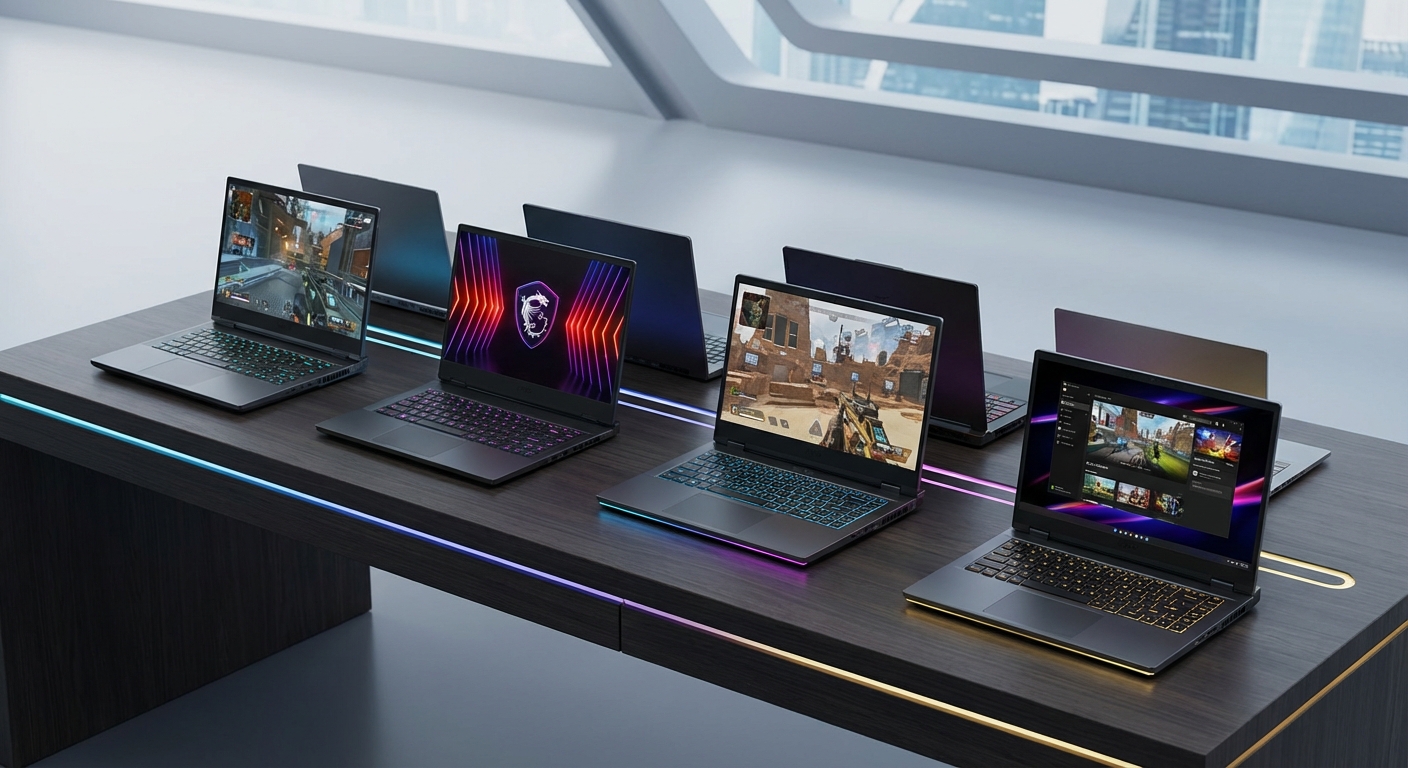
10 Best Gaming Laptops Available in the UAE and Saudi Arabia Right Now
Finding a gaming laptop that delivers desktop-level performance while staying cool under pressure is tough in the UAE’s climate. Add regional pricing, warranty coverage, and availability into the mix, and the decision gets even harder. This guide breaks down the top gaming laptops you can actually buy in the UAE and Saudi Arabia right now, with real-world performance data and pricing insights.
The best gaming laptops UAE shoppers can buy balance powerful GPUs, effective cooling systems, and regional warranty support. Top choices include the ASUS ROG Strix G16 for high-end performance, Lenovo Legion 5 Pro for mid-range value, and MSI Cyborg 15 for budget-conscious gamers. Prices range from [AED](https://aed.to) 3,500 to AED 15,000 depending on specifications. Always verify local warranty coverage and retailer reputation before purchasing.
What Makes a Gaming Laptop Great in the Middle East
Regional factors matter more than you might think. Ambient temperatures regularly hit 45°C in summer months. Your laptop needs exceptional thermal management just to maintain baseline performance.
Warranty support is another critical factor. International warranties often don’t cover regional purchases. You need local service centers that can handle repairs without shipping your device overseas for weeks.
Price variations between UAE and Saudi markets can reach 15-20% on identical models. Currency fluctuations, import duties, and retailer margins all play a role. Checking prices across multiple authorized dealers saves money.
Availability is the final piece. Global launches don’t always align with Middle Eastern stock. Some models appear months later, while others never reach regional shelves at all.
Performance Tiers That Actually Matter
Gaming laptops fall into three distinct categories based on GPU capability and target use cases.
Entry-level machines (AED 3,500 to AED 5,500) feature RTX 4050 or RTX 4060 graphics cards. These handle 1080p gaming at high settings for most titles. Perfect for competitive esports titles like Valorant, CS2, and Apex Legends where frame rates matter more than visual fidelity. If you’re working within a tighter budget, check out our guide to the best gaming laptops under 5000 AED available in UAE and Saudi Arabia for solid options.
Mid-range systems (AED 6,000 to AED 10,000) pack RTX 4070 or RTX 4080 GPUs. These deliver smooth 1440p gaming and acceptable 4K performance in less demanding titles. Ray tracing becomes genuinely usable at this tier. Ideal for gamers who want high refresh rate displays and future-proofing for upcoming releases.
Premium devices (AED 10,000+) utilize RTX 4090 graphics with desktop-replacement power. These machines handle 4K gaming at maximum settings, content creation workflows, and professional 3D rendering. Overkill for most gamers, but essential for streamers and creative professionals who game on the side.
Top Gaming Laptops Available Right Now
ASUS ROG Strix G16 (2024)
The ROG Strix G16 combines Intel’s 14th-gen i9 processor with an RTX 4080 GPU. The 16-inch QHD display runs at 240Hz, providing buttery-smooth visuals even in fast-paced shooters.
Thermal performance stands out. ASUS uses liquid metal compound on the CPU and a vapor chamber cooling system. During extended gaming sessions in a 25°C room, CPU temperatures stayed below 85°C while GPU temps hovered around 75°C.
Regional pricing sits around AED 9,500 through authorized retailers. ASUS offers two-year warranty coverage with service centers in Dubai, Abu Dhabi, and Riyadh.
The laptop weighs 2.5kg, making it reasonable for occasional transport. Battery life reaches about 4 hours for productivity tasks, dropping to 90 minutes under gaming load.
Lenovo Legion 5 Pro
This mid-range champion delivers exceptional value. The RTX 4070 configuration with Ryzen 7 7745HX processor costs approximately AED 7,200.
The 16-inch WQXGA display (2560×1600) offers a 16:10 aspect ratio. That extra vertical space helps with productivity work between gaming sessions. The 165Hz refresh rate handles competitive gaming comfortably.
Build quality feels premium despite the plastic chassis. The keyboard offers excellent travel and RGB backlighting across all keys. Port selection includes USB-C with DisplayPort, HDMI 2.1, and Ethernet.
Lenovo’s regional warranty covers two years with on-site service available in major cities. Replacement parts typically arrive within a week for common issues.
MSI Cyborg 15
Budget gamers get solid performance here. The base configuration pairs an RTX 4050 with Intel i5-12450H for around AED 4,200.
The translucent chassis design looks distinctive, though build quality feels less premium than higher-priced competitors. Plastic flexes slightly under pressure, but nothing that affects daily use.
Gaming performance hits 1080p high settings across most titles. Expect 100+ fps in esports games and 60+ fps in AAA releases from the past two years. Ray tracing tanks performance too much to be practical.
The 144Hz display provides smooth visuals, though color accuracy sits at about 85% sRGB coverage. Fine for gaming, less ideal for photo editing or color-critical work.
MSI offers one-year warranty through regional distributors. Service quality varies by location, with Dubai and Jeddah having the most reliable support centers.
Razer Blade 16
Premium pricing meets premium performance. The RTX 4090 configuration costs approximately AED 14,500 but delivers desktop-replacement power.
The dual-mode display switches between 4K 120Hz and FHD+ 240Hz depending on your needs. Color accuracy reaches 100% DCI-P3, making this viable for professional color grading and photo editing.
Build quality is exceptional. The CNC-milled aluminum chassis feels rock-solid with zero flex. At 2.45kg, it’s remarkably portable for the performance on offer.
Thermal management impresses despite the slim profile. Razer’s vapor chamber keeps temperatures reasonable, though fan noise becomes noticeable under sustained loads.
Regional warranty covers one year with international support. Razer’s service network in the Middle East is limited, with most repairs requiring shipment to European service centers.
Acer Predator Helios Neo 16
This mid-tier option balances performance and affordability. The RTX 4060 model with Intel i7-13700HX runs about AED 6,800.
The 16-inch WUXGA display offers 165Hz refresh rate with decent color reproduction. The screen gets bright enough for indoor use but struggles in direct sunlight.
Cooling performance is adequate. The dual-fan system keeps temperatures manageable, though the laptop runs warmer than competitors under identical loads. Expect CPU temps around 90°C during intensive gaming.
Acer provides two-year warranty with service centers across major UAE cities. Turnaround times average 5-7 business days for standard repairs.
Key Specifications to Prioritize

Not all specs deserve equal attention. Focus on these elements when comparing models.
| Component | Why It Matters | What to Look For |
|---|---|---|
| GPU | Determines gaming performance | RTX 4060 minimum, RTX 4070+ for longevity |
| Display refresh rate | Affects competitive gaming | 144Hz minimum, 240Hz+ for esports |
| Cooling system | Prevents thermal throttling | Vapor chamber or liquid metal preferred |
| RAM | Impacts multitasking | 16GB minimum, 32GB for streaming |
| Storage | Load times and capacity | 1TB NVMe SSD minimum |
| Warranty | Regional support access | Local service centers essential |
Common Purchasing Mistakes to Avoid
Many buyers focus on CPU specs when GPU performance matters far more for gaming. An RTX 4070 with a mid-range processor outperforms an RTX 4060 with a flagship CPU in virtually every gaming scenario.
Ignoring thermal design leads to disappointment. Thin and light gaming laptops often thermal throttle, reducing performance below their specifications. Check independent reviews for sustained performance data, not just benchmark peaks.
Skipping warranty verification causes headaches later. Some retailers sell international models without regional warranty coverage. You’ll pay shipping costs to service centers abroad and wait weeks for repairs.
Overlooking display quality is another misstep. High refresh rates mean nothing if response times are slow or color accuracy is poor. A 165Hz IPS panel typically beats a 240Hz TN panel for overall gaming experience.
Battery life expectations need reality checks. Gaming laptops last 60-90 minutes under gaming loads regardless of manufacturer claims. If you need portability, accept that you’ll need to stay near power outlets during gaming sessions.
Where to Buy With Confidence
- Verify the retailer is an authorized dealer for the brand you’re buying. Check manufacturer websites for official dealer lists.
- Confirm warranty coverage includes your region. Get this in writing before purchasing.
- Compare prices across at least three authorized retailers. Price differences of AED 500-1,000 are common.
- Check return policies carefully. Most retailers offer 7-14 day returns, but restocking fees may apply.
- Ask about dead pixel policies. Some retailers won’t accept returns for fewer than three dead pixels.
- Inquire about upgrade options. Some retailers void warranties if you upgrade RAM or storage yourself.
Major retailers in the UAE include Sharaf DG, Jumbo Electronics, and Microless. In Saudi Arabia, Jarir Bookstore and Extra offer reliable service and genuine warranty coverage.
Online marketplaces like Noon and Amazon.ae sell gaming laptops, but verify seller ratings and warranty terms carefully. Third-party sellers sometimes offer better prices but may not provide official warranty support.
Optimizing Your Gaming Laptop for Regional Conditions
Ambient temperature affects performance significantly. Room temperature above 28°C forces cooling systems to work harder, increasing fan noise and reducing boost clock sustainability.
Using a laptop cooling pad helps but doesn’t solve fundamental thermal design issues. External pads typically reduce temperatures by 3-5°C, enough to prevent thermal throttling in borderline cases.
Keep your gaming laptop elevated with at least 5cm clearance underneath for air intake. Block the intake vents and you’ll see temperatures spike 10-15°C within minutes. Regular cleaning of intake vents prevents dust buildup that gradually degrades cooling performance over months.
Undervolting CPUs can reduce temperatures by 8-12°C without performance loss. This process is safe but requires research specific to your processor model. Many manufacturers lock voltage controls, limiting this option.
Disabling unnecessary background applications frees up system resources. Windows bloatware, RGB control software, and manufacturer utilities consume RAM and CPU cycles that could go toward gaming performance.
Gaming Performance Expectations by Title
Different games stress hardware differently. Understanding these patterns helps set realistic expectations.
Competitive esports titles like Valorant, CS2, and League of Legends run at 200+ fps on even entry-level gaming laptops. These games prioritize frame rate over visual fidelity, making them perfect for budget systems.
AAA single-player games like Cyberpunk 2077, Red Dead Redemption 2, and Microsoft Flight Simulator demand high-end hardware. Expect 60-80 fps at 1440p high settings with an RTX 4070, dropping to 40-50 fps with ray tracing enabled.
Battle royale games like Fortnite, Apex Legends, and PUBG fall somewhere in between. Mid-range systems deliver 100+ fps at 1080p high settings, dropping to 70-90 fps at 1440p.
VR gaming requires RTX 4070 or better for comfortable experiences. Lower-tier GPUs technically support VR but struggle to maintain the 90fps minimum needed to prevent motion sickness.
Future-Proofing Your Investment
Gaming laptops can’t be upgraded like desktops. The GPU and CPU are soldered to the motherboard in almost every model. Your purchasing decision locks in performance for the device’s lifespan.
RAM and storage are typically upgradeable. Most gaming laptops include two RAM slots and an extra M.2 slot for storage expansion. Verify this before purchasing if you plan to upgrade later.
Display technology advances rapidly, but you’re stuck with your panel. A 1080p display purchased today will feel dated in two years as 1440p becomes standard. Consider spending extra for higher resolution if you plan to keep the laptop for 3+ years.
Warranty extensions sometimes make financial sense. A third year of coverage costs AED 500-800 but covers the period when hardware failures become more common. Calculate whether the peace of mind justifies the expense.
Making the Right Choice for Your Gaming Style
Match your laptop to your actual gaming habits, not aspirational ones. If you primarily play esports titles, an expensive RTX 4090 system wastes money on performance you’ll never use.
Consider your secondary uses. Students need decent battery life for classes. Content creators need color-accurate displays. Streamers need extra CPU cores for encoding. Let these requirements guide your decision alongside gaming performance.
Portability matters if you actually plan to move the laptop regularly. A 3kg desktop replacement sounds fine until you’re carrying it through airport security or to LAN parties.
Your upgrade cycle affects purchasing strategy. Planning to upgrade in two years? Buy mid-range and save money. Keeping the laptop for five years? Invest in higher specs now to extend usability.
Your Next Gaming Session Starts Here
The best gaming laptops UAE gamers can buy today offer desktop-level performance in portable packages. Regional considerations around warranty, pricing, and thermal management narrow the field to models that work reliably in Middle Eastern conditions.
Start by defining your budget and primary gaming genres. Match those requirements to the performance tiers outlined above. Verify warranty coverage and retailer reputation before committing. Your perfect gaming laptop is out there, and now you know exactly how to find it.


Post Comment