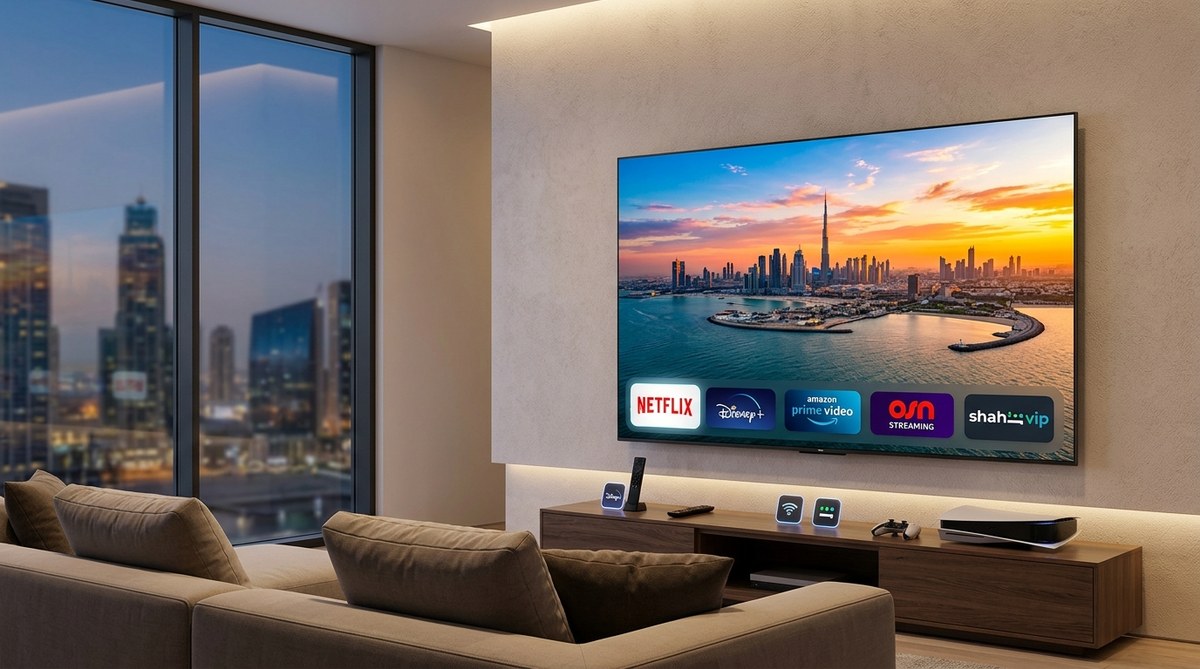
Which Streaming Service Offers the Best 4K HDR Experience in the UAE?
The article will compare major streaming services available in the UAE (Netflix, Amazon Prime Video, Disney+, Shahid VIP, OSN+) specifically for 4K HDR picture quality. It will include:
– Opening hook about bad streaming experience
– HTML summary box (75 words)
– Explanation of why 4K HDR quality varies (bitrate, codecs, regional servers)
– Table comparing services (price, 4K/HDR support, bitrate, audio, content)
– Numbered list: how to test 4K HDR on your TV
– Bullet list: factors to consider (internet, TV specs, regional availability)
– Blockquote with expert advice
– Breakdown of each service’s 4K HDR performance
– Final recommendation for different user types
– Closing heading and practical encouragement
Internal links: “Netflix vs OSN+ vs Starzplay: Which Streaming Service Has the Best Movie Library in 2026?” and “Why Your Streaming Quality Keeps Dropping and How to Fix It in the Middle East” and “Is Shahid VIP Worth It? Comparing Middle East Streaming Services in 2026”. Use each once.
“`
You spent good money on a 4K HDR television. Maybe you brought it from Carrefour or Amazon UAE during a sale. The picture looked incredible in the showroom. But when you fire up your favorite streaming app, something feels off. Colors look flat. Details vanish in dark scenes. You start wondering if your TV is broken or if the streaming service is the problem. The truth is, not all streaming platforms deliver the same 4K HDR experience here in the UAE. Bitrates, codecs, and regional server infrastructure make a huge difference. Let’s cut through the marketing and find out which service truly deserves a spot on your home screen.
Netflix and Disney+ offer the most consistent 4K HDR quality in the UAE, thanks to higher bitrates and Dolby Vision support. Amazon Prime Video lags behind on some titles. Shahid VIP delivers impressive Arabic 4K content but with lower peak bitrates. For the best overall picture, pick Netflix’s Premium plan or Disney+ Premier. Always check your internet speed and HDMI cable quality first.
Why 4K HDR Quality Is Not the Same Everywhere
Resolution is only part of the story. A 4K stream can look mediocre if the bitrate (the amount of data sent per second) is too low. High dynamic range (HDR) adds wider color and better contrast, but only if the service supports it properly. In the UAE, streaming platforms use regional content delivery networks (CDNs). Some services, like Netflix and Disney+, have invested heavily in local servers to reduce buffering and maintain high bitrates. Others, like Amazon Prime Video, sometimes stream at lower bitrates depending on your ISP and location.
Here are the key technical factors that affect 4K HDR quality:
- Bitrate: Higher bitrate means more detail in fast motion and less compression artifacts. Netflix Premium can hit 15-20 Mbps for 4K HDR. Disney+ is similar. Amazon Prime often sits around 10-12 Mbps.
- HDR format: Dolby Vision is the most advanced (12-bit color depth, dynamic metadata). HDR10 is the basic standard (10-bit, static metadata). HDR10+ adds dynamic metadata but is less common.
- Codec: HEVC (H.265) is the standard now. AV1 is emerging but not yet widespread on regional servers.
- Local servers: Services with UAE-based CDNs deliver faster, more stable streams. Netflix has edge caches in Dubai. Disney+ uses Akamai with good regional coverage. Amazon Prime relies on AWS CloudFront which is reliable but can vary.
Also note: your TV must support the specific HDR format. Most mid-range and premium 4K TVs sold in the UAE support Dolby Vision and HDR10. If your TV only supports HDR10, you will still get good color, but you will miss out on the dynamic scene-by-scene optimization of Dolby Vision.
Comparing the Major Streaming Services for 4K HDR in the UAE
Here is a side-by-side look at what each service offers for 4K HDR streaming in 2026. Prices are approximate and may change.
| Service | 4K HDR Plan Price (AED/month) | HDR Formats | Peak Bitrate (4K HDR) | Audio | Notable Content |
|---|---|---|---|---|---|
| Netflix | Premium: 49 AED | Dolby Vision, HDR10 | ~20 Mbps | Dolby Atmos | Original series, movies, documentaries |
| Disney+ | Premier: 34 AED (or annual) | Dolby Vision, HDR10, IMAX Enhanced | ~18 Mbps | Dolby Atmos | Marvel, Star Wars, Disney, Pixar, Nat Geo |
| Amazon Prime Video | Included with Prime: 16 AED (or annual) | HDR10, HDR10+, limited Dolby Vision | ~12 Mbps | Dolby Atmos on select titles | The Boys, Reacher, regional originals |
| Shahid VIP | VIP: 30 AED | HDR10 | ~14 Mbps | Stereo / 5.1 | Arabic series, movies, sports, Turkish dramas |
| OSN+ | Starter: 36 AED (for 4K) | HDR10, Dolby Vision on some | ~16 Mbps | Dolby Atmos | HBO, NBCUniversal, Paramount, regional content |
Note: OSN+ offers a 4K add-on. Without it, streams are capped at 1080p. Also, Apple TV+ (included with Apple One or separately at 26 AED) delivers excellent 4K HDR with Dolby Vision and Atmos, but its content library is smaller.
How to Check If You Are Getting True 4K HDR
Use this numbered list to verify your streaming quality. Do this before blaming the service.
- Check your internet speed: Run a speed test on the same Wi-Fi or Ethernet connection your TV uses. For stable 4K HDR, you need at least 25 Mbps download speed. Fiber is best. Even with 50 Mbps, if your router is old or far away, you may get buffering.
- Inspect your HDMI cable: Use a high-speed HDMI 2.0 or 2.1 cable. Older cables may bottleneck 4K HDR signals. If your TV or streaming device is older, ensure it supports HDMI 2.0.
- Enable the highest streaming quality in settings: In Netflix, go to Account > Playback Settings > choose “High”. In Disney+, go to App Settings > Stream Quality > “Best”. Amazon Prime has a data saver option; turn it off.
- Test with a known reference scene: Choose a title you know has excellent 4K HDR. For Netflix, try “Our Planet” or “The Witcher”. For Disney+, try “Avatar: The Way of Water” or “The Mandalorian”. Look for specular highlights, deep blacks, and fine textures like hair or leaves.
- Use your TV’s info button: Some TVs (Samsung, LG, Sony) show the incoming resolution and HDR format when you press the remote’s info or settings button. If it shows “3840×2160” and “HDR” or “Dolby Vision”, you are good. If it shows “1920×1080” or no HDR, something is wrong.
Expert Advice: “I often see UAE residents blaming their TV or streaming service for poor picture quality, when the real culprit is a congested Wi-Fi network. If you have multiple devices streaming at the same time, or if your router is in a different room, consider a mesh Wi-Fi system. Even the best 4K HDR stream can’t overcome packet loss. Test with Ethernet first to isolate the issue.” – TBreak Tech Team
Breakdown of Each Service’s 4K HDR Performance in the UAE
Netflix
Netflix remains the gold standard for 4K HDR in the UAE. Its Premium plan unlocks Dolby Vision and Dolby Atmos on a huge catalog of originals. The bitrate is among the highest, especially for newer shows. Netflix also has strong local server presence in Dubai, so buffering is rare. If you value picture quality above all, Netflix is hard to beat. Downside: the price is the highest among these services. Also, some older titles are still in 1080p.
Disney+
Disney+ is a strong competitor. It offers Dolby Vision and IMAX Enhanced on many Marvel and Star Wars titles. The bitrate is slightly below Netflix but still excellent. The user interface (UI) is clean, and the content library is family friendly. For UAE residents, Disney+ also carries National Geographic documentaries that look stunning in 4K HDR. The price is lower than Netflix’s Premium. A great choice if you love superhero movies or animated classics.
Amazon Prime Video
Amazon Prime Video is included with an Amazon Prime membership (16 AED/month), making it the cheapest option for 4K HDR. However, quality is inconsistent. Some titles like “The Boys” or “Jack Ryan” look fantastic in HDR10+. But many others stream at lower bitrates, and Dolby Vision support is spotty. Amazon’s regional servers are good but not as optimized as Netflix’s. If you already have Prime for shopping, it’s a nice bonus. As a primary 4K service, it may disappoint.
Shahid VIP
Shahid VIP is the go-to platform for Arabic content. It offers 4K HDR on select series and movies, but the bitrate is lower (around 14 Mbps). The HDR is HDR10, not Dolby Vision. For a show like “Rashash” or a Turkish drama, the picture is sharp and colorful. But action scenes can show compression artifacts. Shahid VIP is improving its regional infrastructure. If you watch mostly Arabic content, it’s a solid choice. Just don’t expect the same polish as Netflix.
OSN+
OSN+ offers a mix of HBO, NBCUniversal, and Paramount content. Its 4K HDR performance depends on the add-on you choose. The bitrate is decent, and some titles support Dolby Vision. However, OSN+’s app is less polished, and regional server performance can be inconsistent. For “House of the Dragon” in 4K HDR, it works well. For everyday use, it may not match the consistency of Netflix or Disney+.
Which Streaming Service Should You Choose for 4K HDR in the UAE?
Your choice depends on your viewing habits.
- Movie buffs and series lovers: Get Netflix Premium. The highest bitrate, Dolby Vision, and huge library make it the winner for pure picture quality.
- Families with kids: Disney+ Premier is fantastic. Affordable, excellent HDR, and a safe content library. Pair it with Netflix if budget allows.
- Arabic content enthusiasts: Shahid VIP is essential. For the best 4K HDR Arabic originals, it’s unmatched. Supplement with another service for Hollywood titles.
- Budget conscious: Amazon Prime Video is cheap, but you will notice the quality difference. Use it as a secondary service.
- HBO fans: OSN+ is your only legal option for shows like “The Last of Us” or “Succession” in 4K HDR. The quality is good enough for most viewers.
If you still experience buffering or quality drops, check our guide on why your streaming quality keeps dropping and how to fix it in the Middle East. Also, read our comparison of Netflix vs OSN+ vs Starzplay for movie libraries in 2026 to see which one has the content you want.
Making the Most of Your 4K HDR TV in the UAE
Having a great streaming service is only half the equation. Make sure your internet plan supports high data usage. Unlimited fiber plans from Etisalat or du are ideal. Also, consider upgrading your streaming device if your TV’s built-in apps feel slow. A device like the Apple TV 4K or Nvidia Shield TV Pro handles Dolby Vision and Atmos better than most smart TV platforms.
Finally, calibrate your TV for HDR. Out of the box settings often blow out colors or crush blacks. Look for “Filmmaker Mode” or “Cinema” preset. If you share your TV with other viewers, you can also explore our tips for building the ultimate home streaming setup for under 2000 AED. And if you are also a gamer, check our guide on gaming monitors vs OLED TVs for Middle Eastern gamers in 2026.
Which Service Deserves Your Subscription?
There is no single “best” service for every person in the UAE. Netflix wins on pure technical quality. Disney+ wins on value and family content. Shahid VIP is essential for Arabic speakers. Amazon Prime Video is a decent extra. OSN+ is the only way to watch HBO’s best in 4K. The best 4K HDR streaming service for you is the one that matches your content appetite, budget, and tolerance for occasional quality hiccups.
Try the free trials. Watch your favorite scene side by side. Trust your eyes. When you find that moment where the sunlight in a desert shot is so vivid it feels like you are there, you will know you picked the right one. Enjoy the clarity.


Post Comment