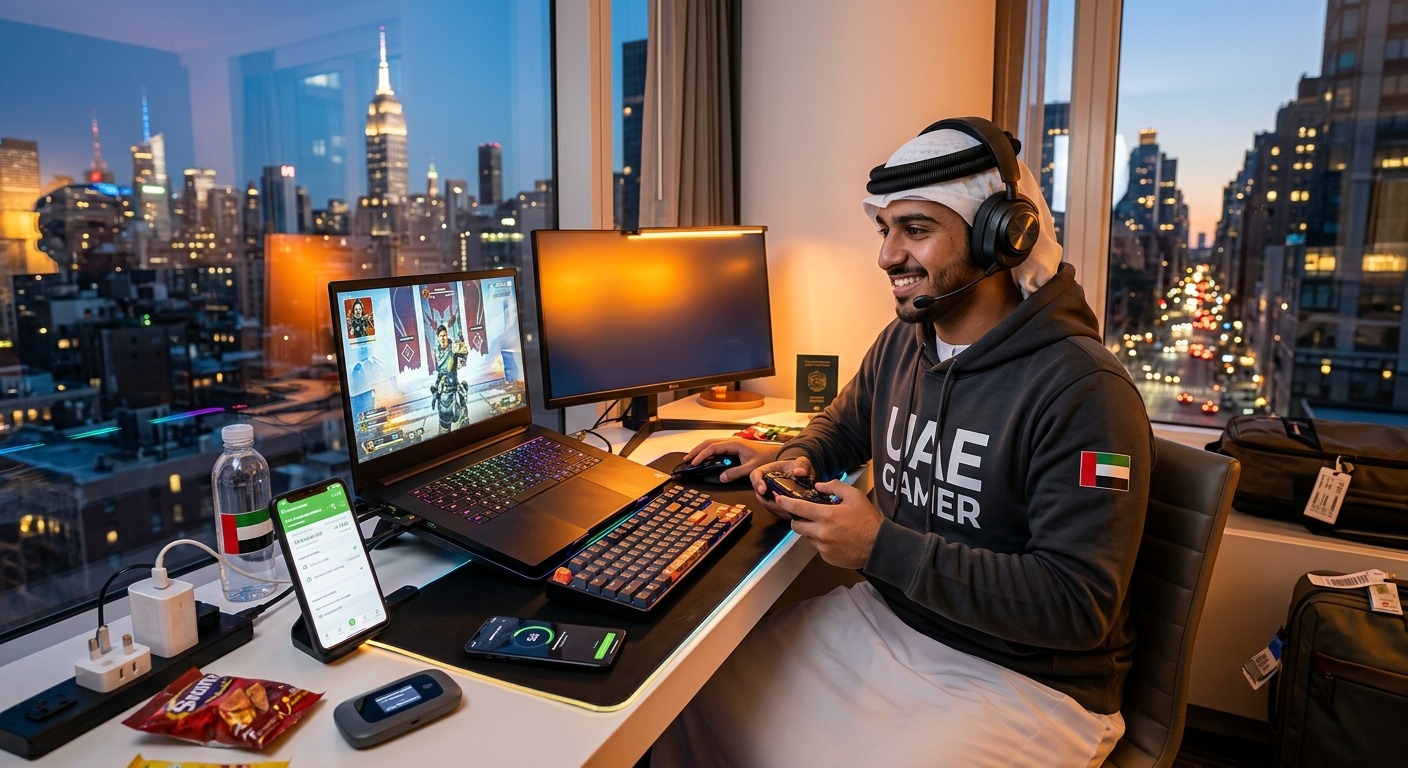
A UAE Gamer’s Guide to Staying Connected on a Gaming Trip to the US
Your tournament ticket is on your phone. Your friends are already inside the convention hall. Your ride has dropped you at the wrong entrance, and the airport Wi-Fi disappeared miles ago. This is when having mobile data matters more than having another controller in your bag. For UAE gamers heading to US conventions or esports events, a little connection planning can keep travel problems from eating into game time.
Your Connection Game Plan
- Check your exact phone model and carrier lock before buying an eSIM.
- Plan mobile data around maps, messages, streams, and any laptop sharing.
- Use a tested, stable connection for competitive matches.
Start With the Phone You Are Actually Taking
Check eSIM support before you pay for a travel plan. A familiar phone name is not enough. Regional versions can have different SIM features, which matters if you bought an imported handset in Dubai or picked up a device while traveling. Find the exact model number in your settings and check its manufacturer’s compatibility information.
Look for an option to add an eSIM under your cellular or SIM settings. Also confirm that the phone is carrier unlocked. Supporting eSIM does not automatically mean a handset will accept another provider’s plan. If the lock status is unclear, ask your current carrier before departure.
Then check the travel provider’s device requirements and supported US networks. Compatibility involves more than installing a profile. Your phone also needs to work with the network that will carry your data. Avoid assuming that every imported gaming phone will behave the same way abroad.
If your handset cannot use an eSIM, arrange a roaming package or a compatible physical SIM instead. You still need a way to reach your hotel, retrieve booking details, and contact friends after landing.
Set Up Your Travel Line Before the Airport Rush
Read the activation instructions while you still have reliable internet at home. Some plans start their validity period during installation or activation. Others begin when they connect to a supported network. That difference matters if you are preparing several days before your flight.
Label your lines clearly, perhaps “UAE” and “US Travel.” Set the travel line as your mobile data line after arrival. Follow the provider’s instructions about data roaming, since a travel eSIM may need roaming enabled on that specific line.
Check your UAE line separately. Keeping it active for bank verification messages can be useful, but calls, outgoing messages, and data may carry roaming charges. Confirm your carrier’s terms. Disable automatic data switching if it could move traffic back to your UAE plan without you noticing.
A data-only eSIM may not include a phone number or ordinary voice calls. Messaging apps can cover much of your communication, but check how you will contact your hotel or event organizer if they require a telephone call. Keep installation instructions and support details available offline. Avoid deleting an eSIM as a first troubleshooting step, because reinstalling it may require provider assistance.
Budget Data for the Convention You Want to Enjoy
Think through a normal event day. You might use maps to find breakfast, request a ride, message your group, load the event schedule, and post photos. Those are your baseline needs. Watching a livestream between panels or uploading long videos adds a different level of demand.
Video deserves the most attention. As a rough calculation, a stream averaging 5 megabits per second transfers about 2.25 gigabytes in an hour, before extra network overhead. Actual use depends on the app, quality setting, and compression. Several hours of viewing can make a modest data allowance feel small.
Maps and text messages generally need less data than sustained video. Download an offline map of your destination before leaving the UAE. Save your hotel address, airport transfer details, and event entrance location too. Offline maps will not provide every live feature, but they give you a useful fallback.
Check your phone’s data usage screen during the trip. Restrict background photo backups, app updates, and autoplay video on mobile data. Download game updates before departure, especially if your laptop or handheld might later connect through your phone. One unexpected patch can consume data you meant to use for the entire weekend.
Compare Plans Beyond the Word Unlimited
If you expect frequent streaming and uploads, unlimited eSIM plans are an option to compare alongside fixed-data packages. Before buying, check coverage, hotspot allowances, and fair-use terms. Match the plan to your event city and travel dates, including any extra days before or after the convention.
Read what “unlimited” means for the specific package. Check whether a high-speed allowance applies, whether speeds may fall after a usage threshold, and whether tethering has a separate limit. A plan that suits video on your phone might be less useful for sharing data with a gaming laptop.
Look at the supported network and its coverage around your hotel, venue, and airport. A coverage map is a starting point. It cannot promise strong reception inside every exhibition hall or dependable capacity when thousands of attendees connect at once.
Compare the total trip cost in AED, including any currency conversion charges your payment method applies. Check the refund policy, activation window, and support availability. Clear terms matter more than a low headline price if you need help shortly after landing.
Match Each Connection to the Job
You may use several connections during the same trip. Mobile data can handle transport and messages. Hotel Wi-Fi may suit downloads. Tournament play needs its own checks. Assigning each connection a job makes it easier to spot where you need a backup.
Connection Choices for an Event Weekend
| Connection | Useful For | Check Before Relying on It |
|---|---|---|
| Travel eSIM data | Maps, rides, messaging, and watching streams | Device support, local coverage, and speed restrictions |
| Phone hotspot | Temporary internet for a laptop or handheld | Tethering allowance, battery drain, and signal consistency |
| Hotel Wi-Fi | Downloads, backups, and casual sessions after testing | Room coverage, login requirements, and evening congestion |
| Organizer-provided competition connection | Matches under the event’s rules | Access arrangements, equipment requirements, and connection procedures |
Hotel Wi-Fi Needs a Test Before Game Night
“Free Wi-Fi” tells you little about how a game will feel. Your room might have weak reception. The network might become busy when attendees return after the event. A login portal can also complicate getting a console or handheld online.
Before booking, ask whether the hotel supports your devices and whether wired internet is available in guest rooms. Ask what a paid internet upgrade changes. Extra download speed does not automatically mean lower latency or fewer interruptions.
Once you arrive, test from the desk or chair where you will play. Try again during the evening, when you expect to use the connection. A morning speed test cannot tell you how the network will perform after the convention closes.
Confirm the network name with hotel staff. Keep your devices updated, disable unnecessary file sharing, and avoid ignoring browser certificate warnings. For sensitive account tasks, your own mobile connection is a useful alternative to an unfamiliar public network.
Competitive Gaming Depends on Consistency
A stream can buffer a few seconds ahead. A live match cannot hide a delayed input the same way. Competitive gaming depends on latency, variation in that latency, and packet loss, as well as enough bandwidth.
That is why a large download-speed result does not prove a connection is ready for ranked play. A cellular connection may feel responsive for a while, then fluctuate as reception or congestion changes. A hotspot adds another wireless connection between your phone and gaming device.
For an organized tournament, ask what connection the organizer supplies and follow its rules. Do not assume a personal hotspot is permitted or appropriate. For hotel practice, test the actual game on the server region you intend to use. Start with an unranked session and watch for latency spikes, disconnects, or packet-loss warnings.
Playing with friends back in the UAE can also mean connecting to a distant server. Physical distance affects latency. Choosing a nearby US server may help your local session, but it will not necessarily suit everyone in a party spread across countries. Agree on expectations before starting a ranked queue.
Keep a Backup Ready for Crowded Halls
A convention can put your connection under pressure just when you need your ticket or a message from your group. Save tickets offline where the ticket system allows it. If entry uses a changing barcode, follow the event’s instructions instead of assuming a screenshot will work.
Use this arrival routine before heading to the venue:
- Confirm that your travel line loads a map and sends a message with Wi-Fi disabled.
- Save your hotel address, event schedule, and permitted offline ticket details.
- Test hotspot access if a laptop or handheld will depend on it.
- Agree on a meeting point with friends in case messages stop arriving.
Pack a power bank and the correct charging cables. Hotspot use, uploads, and long video sessions can drain a phone faster than ordinary messaging. As anyone who has used a phone outdoors during a Dubai summer knows, heat adds another problem. Keep the device out of direct sunlight and give it a break if it becomes hot.
If you plan to broadcast from the venue, test upload performance there and check the event’s filming rules. Watching a stream and sending one have different connection demands. Record locally as a backup when the footage matters.
Arrive Ready for the Lobby and the Last Round
Your connection should make the trip easier from baggage claim to the final match. Check compatibility at home, choose data around your actual habits, and test hotel internet before trusting it with a serious session.
Keep those needs separate. Reliable maps and messages help you enjoy the event. Competitive play needs a stable, tested connection and a suitable server. With both covered, you can spend more time meeting teammates, trying games, and enjoying the tournament you flew from the UAE to see.



Post Comment