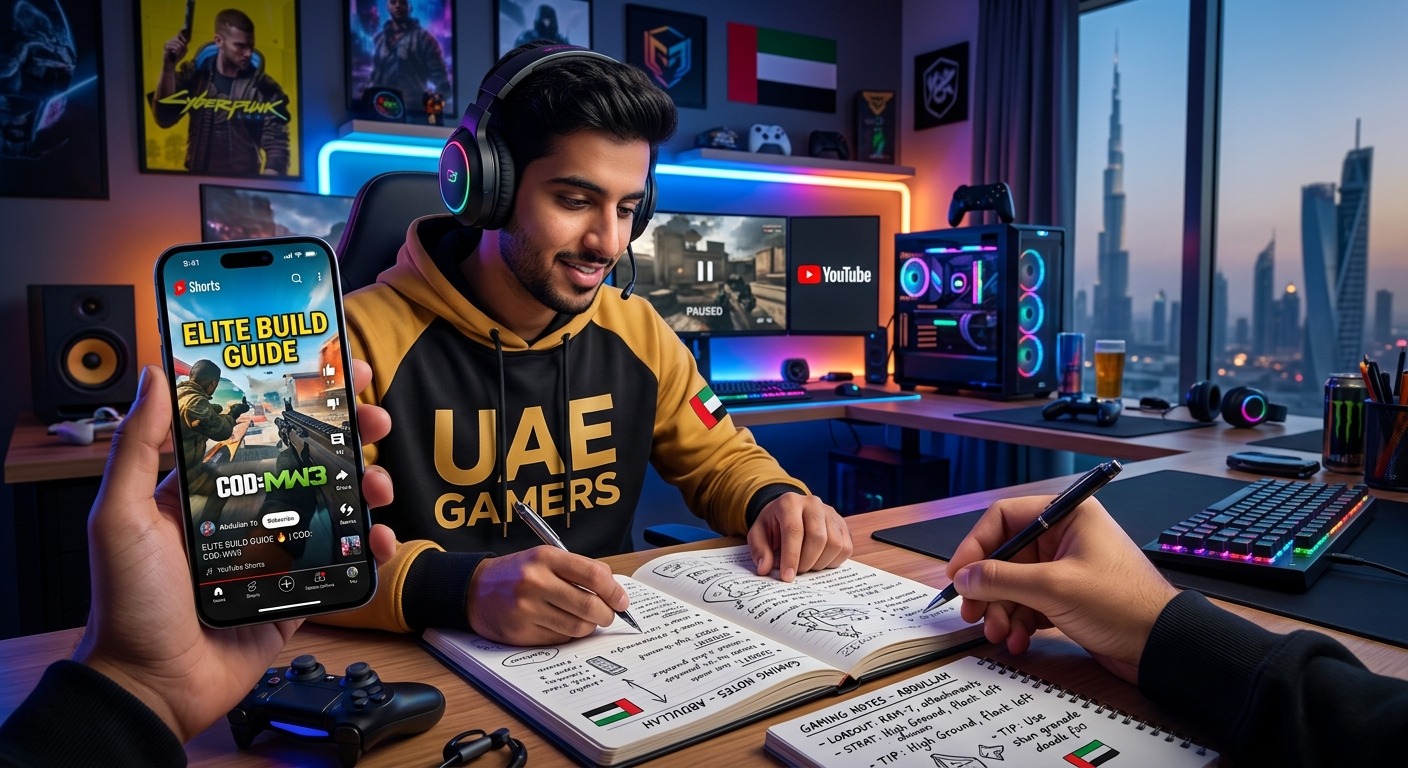
How UAE Gamers Can Turn YouTube Shorts Into Useful Gaming Notes
You watched a clever combo during lunch. By the time your friends join the lobby that evening, you remember the flashy finish but none of the inputs. Another clip promised better aim through a settings change. You saved it, then lost it among dozens of other videos. Short tutorials can offer useful ideas, but a saved clip rarely gives you something readable between matches. A small set of gaming notes can close that gap.
Your Between-Match Game Plan: Turn each useful tutorial into one clear action, then test it before trusting it in ranked play. Keep the original clip reference, record your game version and device, and separate the creator’s claim from your own results. For UAE and GCC sessions, add server and connection details where timing matters. Your notes should help you make one sensible decision during a short break, without sending you back through a feed.
Give Every Saved Clip a Specific Job
Start with a problem from your own matches. Perhaps your camera feels awkward during close fights. Perhaps you keep dropping the same combo. Perhaps your squad loses control of an objective because everyone rotates late. A tutorial becomes more useful when it answers something you already need to fix.
Before taking notes, write a plain sentence: “I want to land this combo after blocking,” or “I want to check whether this setting makes distant enemies easier to see.” That sentence gives the clip a job. It also helps you skip advice that looks impressive but does not fit your current needs.
Keep the scope small. A thirty-second video might contain a settings change, a movement trick, and a ranked tip. Capture those as separate notes if they solve separate problems. During a match break, you should not need to untangle three ideas to find the one you wanted.
Build Notes Around the Decisions You Make
Use whichever notes app you already open comfortably on your phone or computer. A plain document works too. The useful part is the structure, not the software. Create three sections for settings, combos, and ranked decisions. Give each entry a name you would actually search for.
“Controller Aim: Close Fights” is easier to find than “Great Tip From Tuesday.” “Corner Escape After Block” tells you more than a creator’s dramatic video title. Add the game name when your notes cover several games. Keep your naming style consistent enough that searching feels predictable.
Each entry needs a source reference, the instruction, the conditions, and your test result. Record the creator’s name and clip title so you can find the original again. Note when you watched it. If the clip names a patch or season, record that too. If it does not, write “version unknown” rather than guessing.
What to Capture From Different Tutorial Types
| Tutorial Type | Useful Note Details | Test Before Keeping |
|---|---|---|
| Game settings | Original value, suggested value, device, and intended benefit | Change one setting and compare under similar conditions |
| Combos | Inputs, starting position, timing cue, and resource cost | Practice from the stated position and record successful attempts |
| Ranked play | Situation, decision, required information, and exceptions | Review whether the situation actually occurred in your matches |
Turn a Tutorial Into a Repeatable Routine
You do not need to document every second. Watch once to understand the idea, then replay the part that contains the actual instruction. Pause whenever the creator changes a setting, shows an input, or explains a condition. Follow this routine for each clip you decide to keep.
-
Name the problem. Write what you want to improve in one sentence. Keep it tied to something you can observe during practice or a match.
-
Capture the action. Record the setting change, input sequence, or decision in plain language. Include any requirement mentioned in the clip.
-
Mark missing details. Flag unclear timing, unexplained abbreviations, or an unseen menu option. Leave uncertainty visible until you can check it.
-
Test in a suitable mode. Use training, practice, or a low-pressure session where available. Record what worked and what failed.
-
Write the match reminder. Reduce the tested advice to one short sentence that you can read before the next round.
This gives you two layers. The longer entry holds the explanation and evidence. The match reminder holds the action. You might keep several paragraphs about a combo, but display only “Wait for the landing cue before the final input” during a session.
Capture Spoken Instructions Without Losing the Visual Details
Some creators explain the useful part while the screen fills with gameplay, captions, and effects. Replaying the same sentence can become tedious, especially when you are trying to catch a timing instruction. You can transcribe YouTube shorts to help capture spoken directions, then edit the text into your own note.
Treat that text as a draft. Check character names, button labels, numbers, and gaming slang against the audio. A mistaken input can change the entire instruction. Remove introductory chatter and keep the words that explain what to do, when to do it, and what must happen first.
Speech also leaves gaps. A creator might say “use this setting” while pointing at a menu, or “cancel here” while showing a tiny animation cue. Add those visual details yourself. Record the clip timestamp if you need to revisit the moment. A transcript captures speech, but your finished note needs enough context to make the instruction usable.
Check the Advice Against Your Actual Setup
Before keeping a tip, check it against your game version, device, and regional server conditions. Read the version information available in your game and consult its official patch notes when a tip depends on a particular ability or mechanic. A clip’s upload date alone does not establish which version appears in the footage.
Device details matter when copying settings. Record whether you play on a phone, console, or PC, along with your control method. If a tutorial uses mouse inputs and you use a controller, translate the action through your own bindings. Copying button names without checking their function creates avoidable confusion.
For mobile sessions in Dubai, Abu Dhabi, Riyadh, or elsewhere in the GCC, record the conditions you actually tested. Were you indoors? Was the phone charging? Had you already played several matches? If performance felt different during an outdoor summer session, keep that observation separate from your usual indoor result. Avoid drawing a broad conclusion from two sessions with several differences.
Add the selected server region and the in-game ping reading when testing advice that relies on tight timing. Record whether you used home Wi-Fi, Ethernet, or mobile data. Your location alone does not describe the connection your game used. A successful practice-room attempt also needs a separate check during online play.
Write Settings Notes You Can Reverse
Always record your original setting before changing it. Your entry might read: “Original sensitivity: 4. Trial sensitivity: 5. Goal: track nearby targets more comfortably.” Add a brief result after testing. Did tracking feel easier? Did you overshoot more often? Were the sessions comparable?
Change one setting at a time when possible. If you adjust sensitivity, graphics, and controls together, you will have a harder time deciding which change helped. Keep an experiment separate from your preferred setup until you have enough experience to make a choice.
Copying a creator’s entire configuration can be a starting point, but the useful note explains why a value suits you. “Kept this because small corrections felt manageable” gives you a reason to revisit it later. “A creator uses it” gives you very little to assess.
Make Combo and Ranked Notes Conditional
A combo note needs a starting condition. Record whether it begins after a hit, a block, a wall interaction, or another specific event. Include the required resource and any position requirement shown in the tutorial. Then describe the inputs using names that match your own controls.
Count successful attempts during practice. “Landed seven of ten attempts from this position” is more useful than “seems easy.” If you keep failing at the same step, write down that step. Your next practice session now has a clear focus.
Ranked advice needs conditions too. Replace a broad instruction like “rotate early” with a decision you can recognize: “When the next objective is approaching and our lane is safe, check whether moving now helps the team.” Record what information you need before acting.
For regular squads, add the callout your friends use. A note that matches your group’s language is easier to apply during a busy round. Keep exceptions visible, including situations where a teammate needs help or the route is unsafe.
Keep Your Match Reminders Small Enough to Use
Before joining your friends, choose one or two tested reminders for that session. Reading your entire archive between matches defeats the purpose. You need a manageable focus, especially when the lobby is moving and someone is already asking whether you are ready.
After the session, add a sentence about what happened. Keep results specific: “Forgot the cue under pressure” suggests more practice. “The required situation never occurred” means you have not tested the decision yet. Neither result justifies treating the tutorial as proven or useless.
Move outdated or repeatedly unhelpful entries out of your active notes. Keep unresolved ideas in a separate section. Your main view should contain advice you understand and can apply, with enough context to know when it fits.
Let the Next Match Shape Your Notes
The best gaming note earns its place through use. It helps you recognize a situation, attempt a clear action, and review the result afterward. A growing collection of saved clips cannot do that by itself.
Start with one tutorial connected to a problem from your latest session. Capture the instruction, check the missing details, and test it on your own setup. Then write one sentence you can consult before the next match. That small habit turns a passing tip into something your future self can actually use.




Post Comment